

Valorant was designed from day one to run on low-end hardware. Riot’s explicit goal was to make the game accessible to players across Southeast Asia and other regions where budget PCs dominate. The minimum spec includes an i3 and 4GB of RAM. In practice, almost any laptop or desktop built in the last seven years can run Valorant at playable framerates. The high-end spec targets 144fps+ for competitive play, which is easily achievable on mid-range hardware.
Minimum vs Recommended Specs
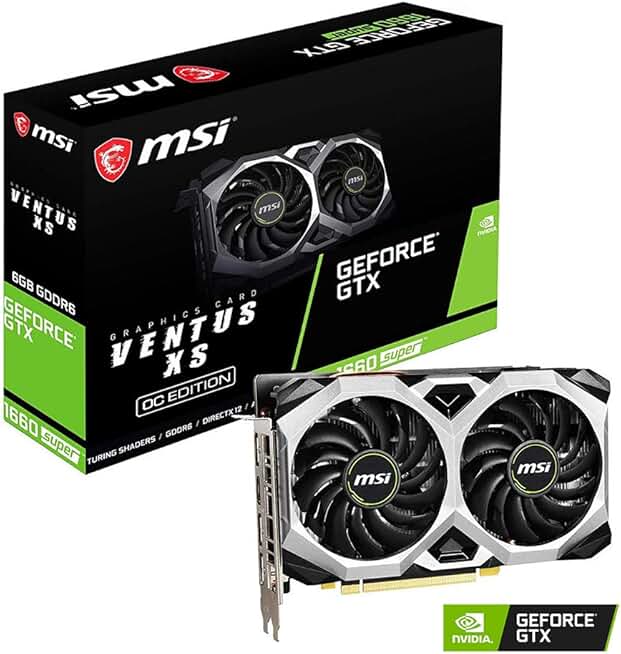
MSI Gaming GeForce GTX 1660 Super 192-bit HDMI/DP 6GB GDRR6 HDCP Support DirectX 12 Dual Fan VR Read
- Delivers 1080p/144fps+ in Valorant with its GTX 1660 Super — hitting the sweet spot of the recommended spec without overspending
- 4.7-star rating across 2,199 reviews makes it one of the most trusted mid-range GPU upgrades available
- Dual-fan cooling and factory OC headroom mean stable performance during long ranked sessions
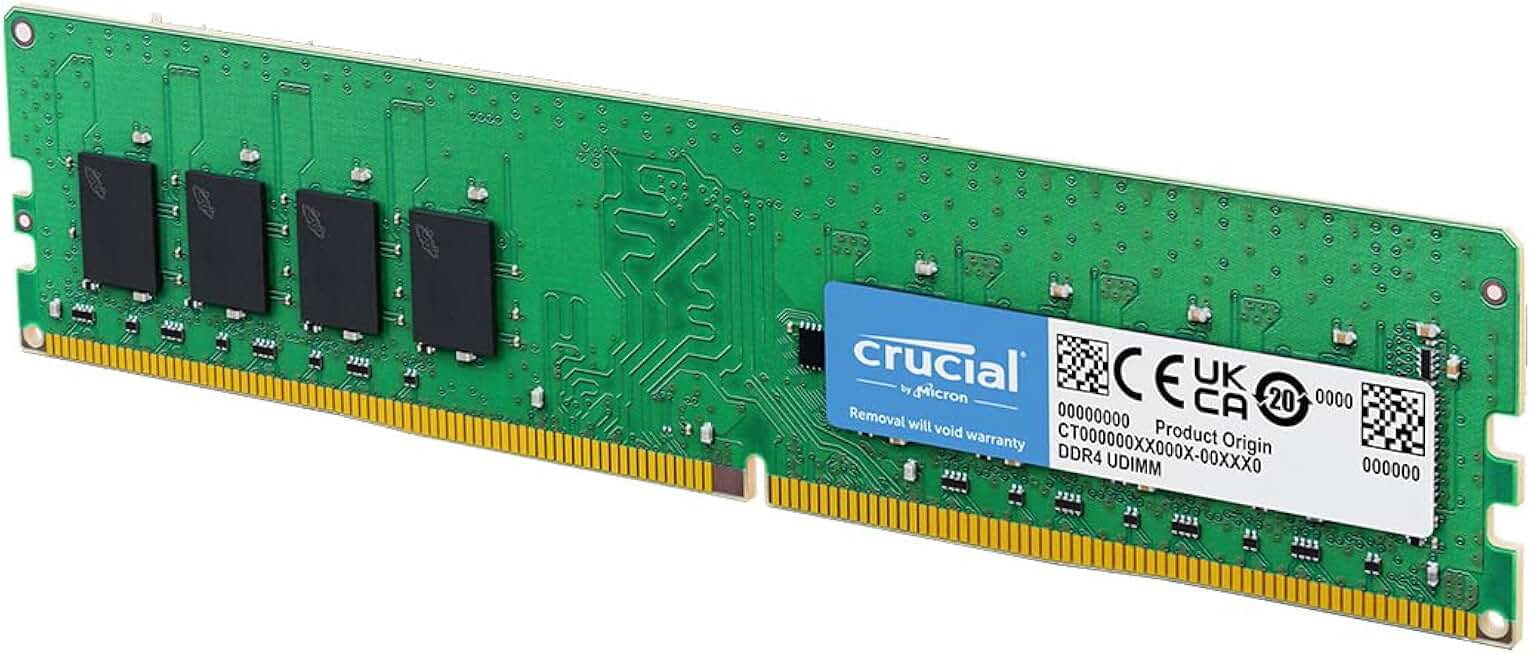
Crucial 8GB DDR4 RAM, 3200MHz (PC4-25600) CL22 Desktop Memory, UDIMM 288-Pin, Downclockable to 2933/
- Upgrading from 4GB to 8GB RAM is the single cheapest way to move from minimum to recommended Valorant specs
- DDR4-3200MHz with 4.7 stars across 11,724 reviews — the highest-confidence RAM pick in the catalog
- Compatible with both Intel and AMD Ryzen platforms, so it fits virtually any budget build running Valorant
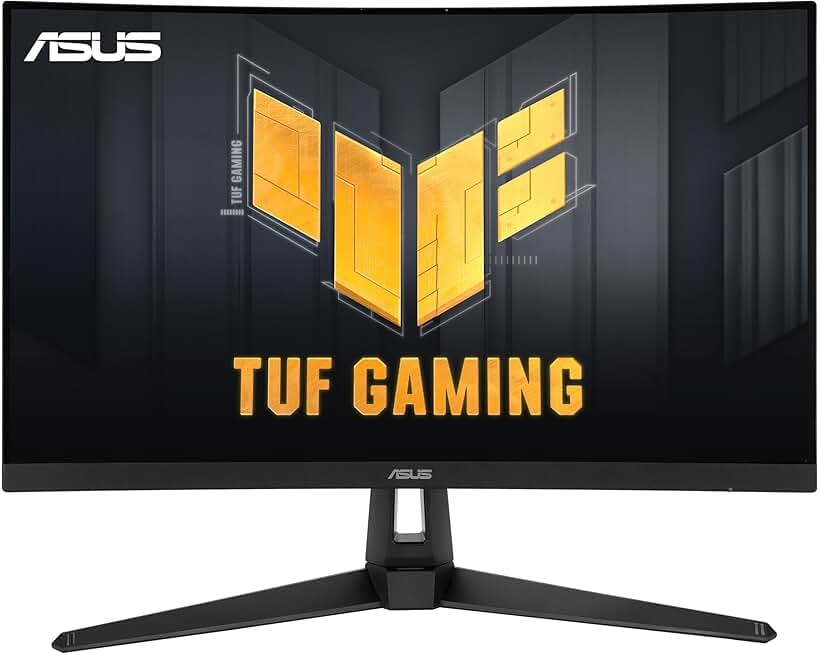
ASUS TUF Gaming VG27VH1B 27” Curved Monitor, 1080P Full HD, 165Hz (Supports 144Hz), Extreme Low Mo
- 27" curved 1080p panel at 165Hz lets you actually see the frames your GPU is producing — Valorant easily hits 144fps+ on mid-range hardware
- ASUS TUF 1ms response with FreeSync Premium eliminates screen tear and ghosting on fast-paced agents
- 4.7 stars from 2,390 buyers and Adaptive-Sync support make this a future-proof display for any competitive shooter
Quick Compatibility Reference
| Your Hardware | Can You Run It? | Expected Performance |
|---|---|---|
| RTX 3060 / RX 6600 + i7 + 16GB | Yes, maxed | 1080p / Ultra / 300fps+ |
| GTX 1660 / RX 5500 XT + i5 + 8GB | Yes | 1080p / High / 200fps+ |
| GTX 1060 / RX 580 + i5 + 8GB | Yes | 1080p / High / 144fps+ |
| GTX 1050 Ti / RX 570 + i5 + 8GB | Yes (recommended) | 1080p / Medium / 100-144fps |
| Intel Iris Xe / GTX 950 + 4GB | Yes (minimum) | 1080p / Low / 60fps |
| Intel HD 520 integrated + 4GB | Borderline | 720p / Low / 30fps |
Valorant Competitive Settings Guide
Valorant is a game where high framerate directly impacts your ability to peek corners and react to enemies. Most competitive players run 1080p on Low or Medium settings to maximize frames. Material Quality can stay on Medium without noticeable visual benefit loss. Shadows on Low or off is standard for competitive play.
From my experience, a GTX 1060 at 1080p Low settings consistently delivers 144fps+ in most maps. The game is well-optimized and doesn’t require anything special to hit competitive framerates on modest hardware.