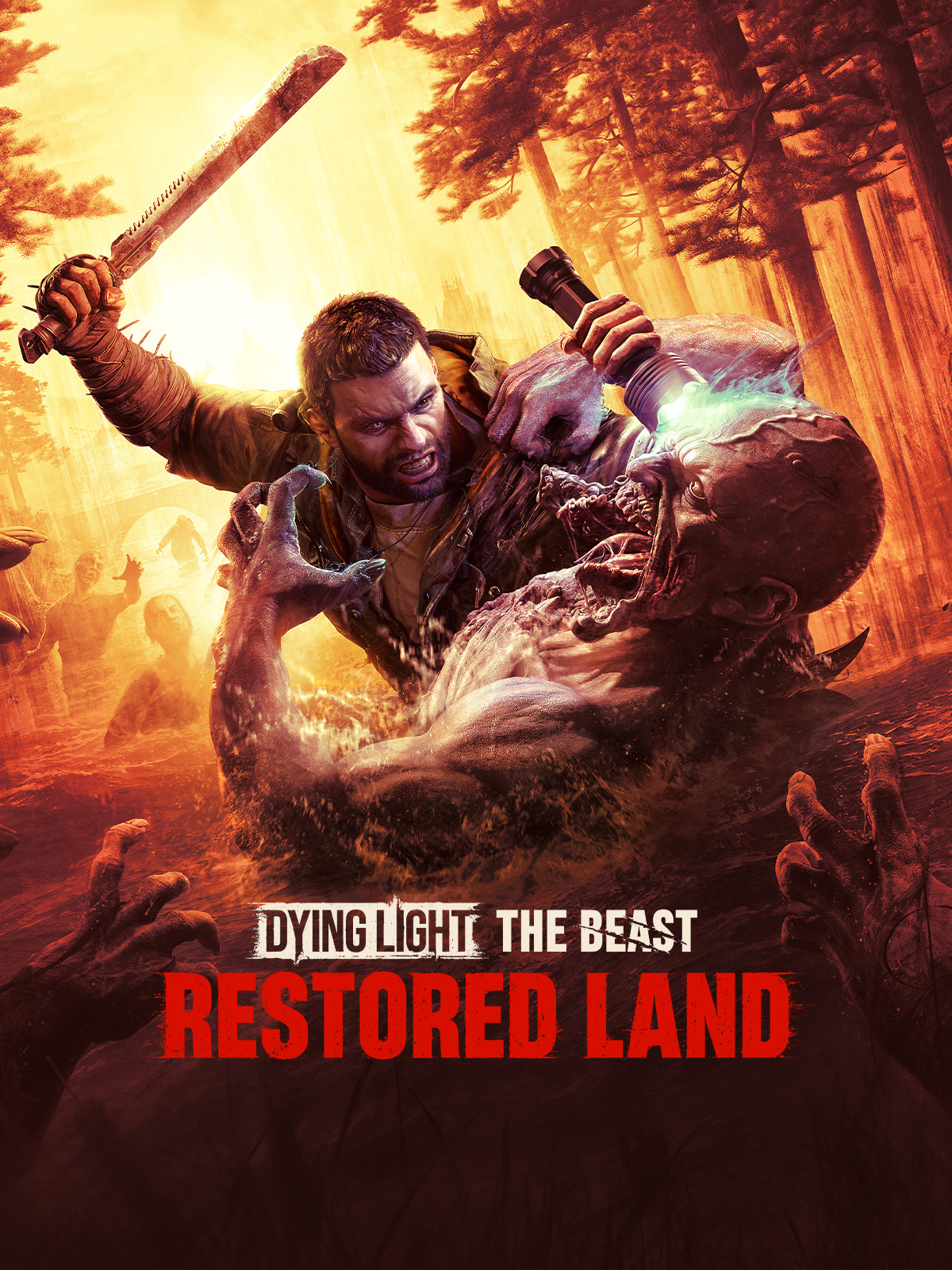
Dying Light The Beast is Techland’s open-world action game built on the C-Engine, dropping players into a sprawling rural environment with Kyle Crane’s brutal parkour and combat returning at full force. The game demands a GTX 1660 Super at minimum for 1080p/30fps on Low, while an RTX 2070 or RX 5700 XT is the sweet spot for a smooth 1080p/60fps experience on High settings. DLSS and FSR support gives mid-range cards meaningful headroom at higher resolutions.
Dying Light The Beast PC System Requirements — All Tiers
| Spec | Minimum | Recommended | High (1080p/60fps) | Ultra 2K | Ultra 4K |
|---|---|---|---|---|---|
| OS | Windows 10 64-bit | Windows 10 64-bit | Windows 10/11 64-bit | Windows 10/11 64-bit | Windows 11 64-bit |
| CPU | Intel Core i5-8600K / AMD Ryzen 5 3600X | Intel Core i7-10700K / AMD Ryzen 7 3700X | Intel Core i7-12700K / AMD Ryzen 7 5800X | Intel Core i7-12700K / AMD Ryzen 7 5800X3D | Intel Core i9-13900K / AMD Ryzen 9 7950X |
| GPU | NVIDIA GeForce GTX 1660 Super / AMD RX 5600 XT | NVIDIA GeForce RTX 2070 / AMD RX 5700 XT | NVIDIA GeForce RTX 3080 / AMD RX 6800 XT | NVIDIA GeForce RTX 3080 Ti / AMD RX 6900 XT | NVIDIA GeForce RTX 4090 |
| RAM | 12 GB | 16 GB | 16 GB | 32 GB | 32 GB |
| VRAM | 6 GB | 8 GB | 10 GB | 12 GB | 24 GB |
| Storage | 60 GB SSD | 60 GB SSD | 60 GB NVMe SSD | 60 GB NVMe SSD | 60 GB NVMe SSD |
| DirectX | DirectX 12 | DirectX 12 | DirectX 12 | DirectX 12 | DirectX 12 |
| Target | 1080p / 30fps / Low Settings | 1080p / 60fps / High Settings | 1440p / 60fps / Ultra Settings | 1440p / 60fps+ / Ultra Settings with DLSS or FSR | 4K / 60fps+ / Ultra Settings |
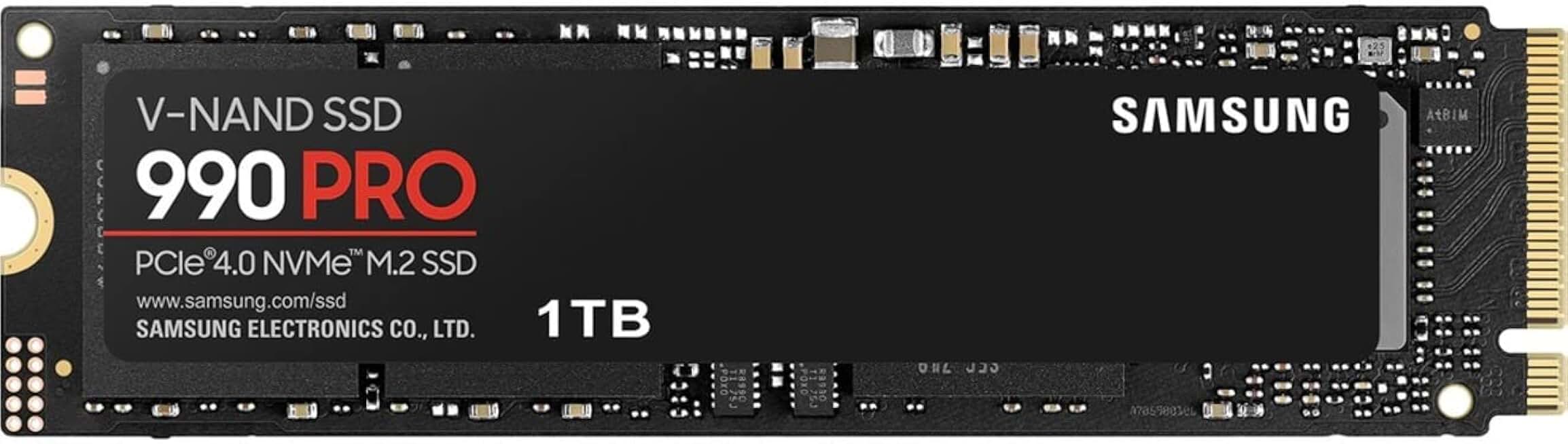
Samsung 990 PRO 1TB PCIe 4.0 NVMe SSD
- Eliminates PUBG map pop-in issues
- 7,450 MB/s read speed
- Top-rated with 12,959 reviews
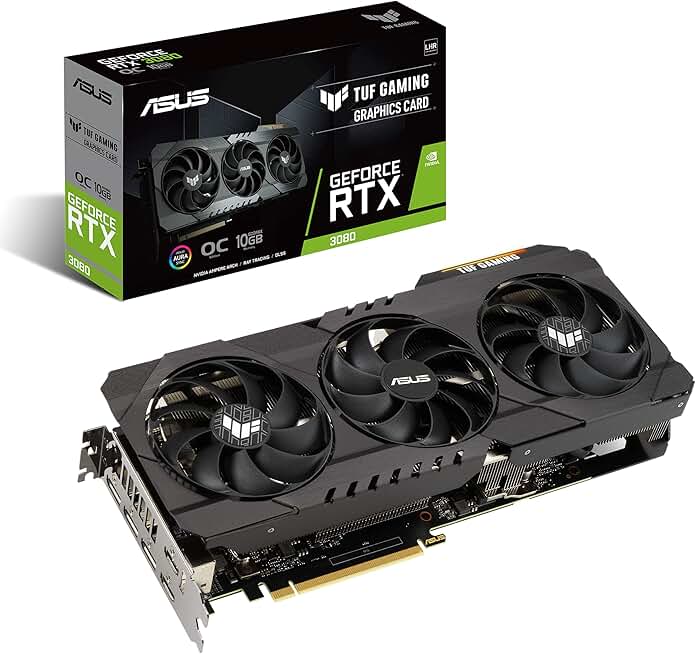
ASUS TUF GeForce RTX 3080 OC Edition
- Handles Warzone Ultra 4K settings
- 10GB GDDR6X VRAM, PCIe 4.0
- Military-grade build, 168 verified reviews
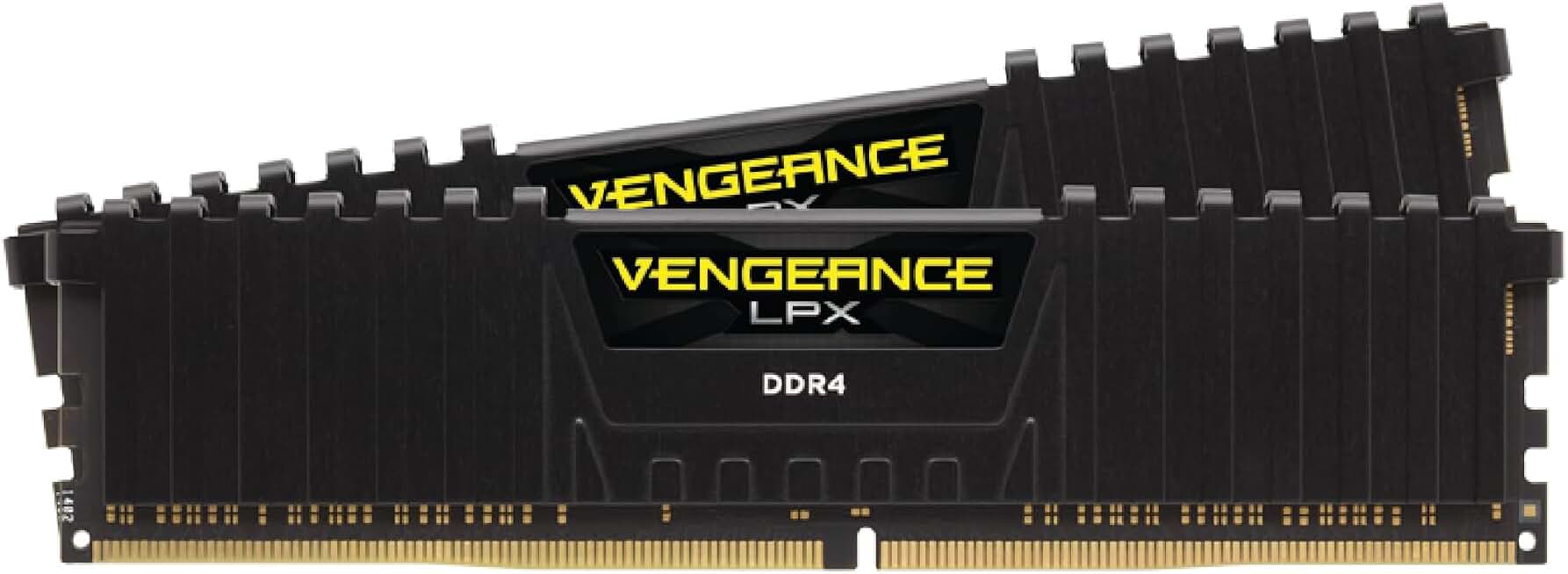
Corsair Vengeance LPX 32GB DDR4 3200MHz
- 32GB dual-channel for modpack performance
- 3200MHz speed, CL16 low latency
- Compatible with Intel XMP and AMD EXPO
Can I Run Dying Light The Beast? Quick Compatibility Reference
| Your GPU | Can You Run It? | Real-World Performance |
|---|---|---|
| RTX 4090 | Yes, easily | Overkill at every resolution. Expect 120–165fps at 4K Ultra with all settings maxed — the RTX 4090 is far beyond what Dying Light The Beast demands. |
| RTX 3080 | Yes | Excellent across the board. Delivers 85–100fps at 1440p Ultra and a solid 60fps at 4K High with DLSS Quality enabled. |
| RTX 2070 | Yes | Right at the recommended spec sweet spot. Expect 60–75fps at 1080p High to Ultra, and a playable 1440p experience with DLSS Performance mode. |
| RTX 2060 | Borderline | Playable at 1080p Medium, averaging 50–65fps. Frame rates dip in dense open-world areas — DLSS Quality mode helps recover lost performance. |
| GTX 1660 Super | Minimum | Meets the official minimum. Targets 30fps at 1080p Low, but expect stutters in complex outdoor scenes. FSR can provide a modest performance lift. |
| GTX 1060 6GB | Minimum | Just below minimum spec. Struggles to hold 30fps at 1080p Low in demanding areas. Dropping to 900p with FSR Ultra Performance may help, but the experience is marginal. |
| GTX 950 or older | No | Not supported. Lacks the DirectX 12 feature level and VRAM required to run Dying Light The Beast at any setting. |
Is Dying Light The Beast Well Optimized? The Engine Reality
Dying Light: The Beast runs on Techland’s proprietary C-Engine, a heavily evolved build of the same tech behind the original Dying Light. The engine renders a dense, foliage-heavy open world with a full day/night cycle, dynamic weather, volumetric lighting, and real-time global illumination, pushing it comfortably into the demanding tier. Ray-traced shadows and reflections are available on supported hardware, but even rasterized settings at maximum quality will tax mid-range GPUs significantly — this is not a light workload.
CPU demand in Dying Light: The Beast is driven primarily by its open-world simulation: dozens of active zombie AI agents, physics-based parkour interactions, dynamic destruction, and companion or co-op networking when playing online. A modern 6-core CPU (such as a Ryzen 5 3600 or Core i7-8700K) is sufficient at 1080p, but the recommended 8-core CPUs become relevant in dense urban areas where enemy counts spike. Single-player players on 6-core chips should see stable frametimes; co-op sessions add notable CPU overhead and benefit from the extra cores.
8 GB of RAM meets the minimum bar but leaves very little headroom — Windows background processes combined with the game’s streaming cache can push usage to the edge, causing occasional stutters. 16 GB is the practical sweet spot for smooth, consistent play at recommended settings, and it removes RAM as a bottleneck entirely. Players running memory-intensive workflows or streaming software should target 32 GB to avoid competition for system resources.
Settings to Tweak for More Frames Without Losing Visibility
Ray-traced global illumination is the single most GPU-expensive feature in Dying Light: The Beast; switching it off or dropping it from Ultra to Screen Space can recover 20–35% framerate on RTX 2070-class hardware. The visual difference is subtle in bright daylight and most noticeable in interior spaces at night, making it a high-value trade-off for mid-range cards.
Shadow rendering across Dying Light: The Beast’s wide draw distances is a consistent GPU and CPU tax — dropping Shadow Quality from Ultra to High typically returns 8–15 fps at 1080p with minimal perceptible quality loss during fast parkour sequences. Medium shadows show a more obvious reduction in distant shadow detail but are a worthwhile compromise on GTX 1660 Super-class GPUs targeting 60 fps.
Techland’s C-Engine integrates DLSS 3, FSR 3, and XeSS, all of which deliver strong image quality at the Quality preset with 30–50% framerate gains over native rendering. On an RTX 2070, DLSS Quality at 1440p is the recommended default; AMD RX 5700 XT users should use FSR 3 Quality, which reconstructs cleanly and enables frame generation on supported titles for additional smoothness.
The game’s recommended texture settings target 8 GB VRAM; GPUs with 6 GB such as the GTX 1660 Super should run High rather than Ultra textures to prevent VRAM overflow and the micro-stuttering that accompanies it. The texture quality drop from Ultra to High is barely visible during movement but makes a meaningful difference in frametimes stability — prioritise smoothness over marginal texture sharpness.
Frequently Asked Questions
Can I run Dying Light The Beast on a GTX 1060?
The GTX 1060 6GB falls just under the official minimum spec of GTX 1660 Super. You can launch the game, but expect sub-30fps at 1080p Low. Dropping to 900p or 720p with FSR Ultra Performance may push you to a barely playable threshold. For a consistent experience, a GTX 1660 Super or better is strongly recommended.
How much RAM do I need for Dying Light The Beast?
The minimum is 12 GB of RAM. For the recommended 1080p/60fps experience, 16 GB is the target. If you play at 1440p or 4K with background applications running, 32 GB eliminates any risk of memory-related stuttering in Dying Light The Beast’s large open world.
Does Dying Light The Beast support DLSS or FSR?
Yes. Dying Light The Beast supports both NVIDIA DLSS and AMD FSR, consistent with Techland’s upscaling support in Dying Light 2. DLSS Quality is recommended for RTX card owners at 1440p and above. FSR 2 provides a solid alternative for AMD GPU users and older NVIDIA hardware without tensor cores.
Is Dying Light The Beast CPU or GPU heavy?
Dying Light The Beast is moderately CPU-intensive — its large open world with dense NPC simulation and physics-driven parkour puts real load on the processor. That said, the GPU remains the primary bottleneck for most players. A 6-core CPU meets the minimum, but 8 cores are recommended to prevent CPU bottlenecking mid-range and higher GPUs.
What is the minimum GPU for Dying Light The Beast?
The official minimum GPU is the NVIDIA GeForce GTX 1660 Super or AMD RX 5600 XT, both with 6 GB VRAM. This targets 1080p at 30fps on Low settings. Cards below this threshold, like the GTX 1060 or RX 580 4GB, will struggle to maintain consistent frame rates even at minimum quality.
Can I run Dying Light The Beast on a laptop?
Yes, provided your laptop GPU is up to spec. A laptop RTX 3060 at 80W or higher should hit 60fps at 1080p High. Budget gaming laptops with GTX 1650 or RTX 3050 will land in minimum spec territory and need Low settings plus FSR to stay above 30fps. Be aware that thermal throttling on thin-and-light laptops can reduce performance significantly below desktop GPU equivalents.
Does Dying Light The Beast require an SSD?
Yes, an SSD is required — not just recommended. The open world relies on continuous asset streaming, and an HDD will cause severe texture pop-in and long load times. A standard SATA SSD is sufficient for minimum spec play. NVMe storage is recommended for 1440p and 4K presets where faster streaming reduces any hitching during rapid traversal.
What DirectX version does Dying Light The Beast use?
Dying Light The Beast requires DirectX 12. GPUs limited to DirectX 11 — including the GTX 950, GTX 750 Ti, and older AMD GCN 1.0 cards — are not supported and cannot run the game regardless of other hardware. Ensure your GPU and Windows version both support DX12 before purchasing.