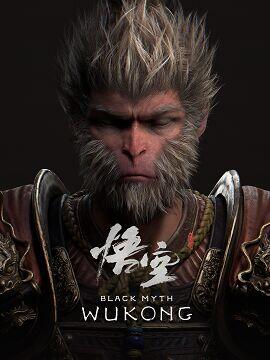
Black Myth: Wukong is one of the most demanding PC games ever released, built on Unreal Engine 5 with Lumen global illumination, Nanite geometry, and optional ray tracing. The official minimum spec calls for an RTX 2060 Super with 8 GB VRAM — and even then you’ll need DLSS or FSR upscaling to hold 60 fps at 1080p. Anything below an RTX 20-series or an RX 5700 XT will deliver a frustrating, sub-playable experience.
Black Myth Wukong PC System Requirements — All Tiers
| Spec | Minimum | Recommended | High (1080p/60fps) | Ultra 2K | Ultra 4K |
|---|---|---|---|---|---|
| OS | Windows 10 64-bit (Version 1903 or higher) | Windows 10 64-bit (Version 1903 or higher) | Windows 10 64-bit (Version 1903 or higher) | Windows 10 64-bit (Version 1903 or higher) | Windows 11 64-bit |
| CPU | Intel Core i7-9700 | AMD Ryzen 5 5500 | Intel Core i7-9700 | AMD Ryzen 5 5500 | Intel Core i9-12900K | AMD Ryzen 9 7945HX | Intel Core i9-13900K | AMD Ryzen 9 7950X | Intel Core i9-13900K | AMD Ryzen 9 7950X |
| GPU | NVIDIA GeForce RTX 2060 Super | AMD Radeon RX 5700 XT | NVIDIA GeForce RTX 2080 Super | AMD Radeon RX 6800 XT | NVIDIA GeForce RTX 3080 | AMD Radeon RX 6900 XT | NVIDIA GeForce RTX 4080 | AMD Radeon RX 7900 XTX | NVIDIA GeForce RTX 4090 |
| RAM | 16 GB | 16 GB | 16 GB | 32 GB | 32 GB |
| VRAM | 8 GB | 8 GB | 10 GB | 16 GB | 24 GB |
| Storage | 130 GB SSD | 130 GB SSD | 130 GB SSD | 130 GB SSD | 130 GB SSD |
| DirectX | DirectX 12 | DirectX 12 | DirectX 12 | DirectX 12 | DirectX 12 |
| Target | 1080p / 60 fps (with DLSS or FSR upscaling) | 1080p / 60 fps (High settings, no upscaling) | 1440p / 60 fps (High settings) | 1440p / 60 fps (Ultra settings, ray tracing on) | 4K / 60 fps (Ultra settings) |
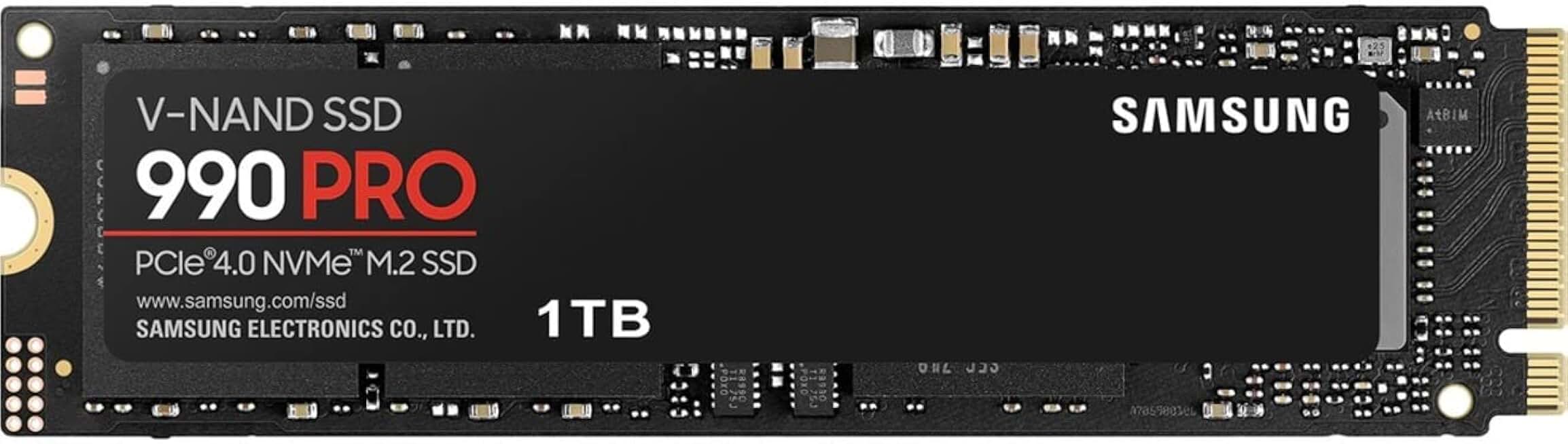
Samsung 990 PRO 1TB PCIe 4.0 NVMe SSD
- Eliminates PUBG map pop-in issues
- 7,450 MB/s read speed
- Top-rated with 12,959 reviews
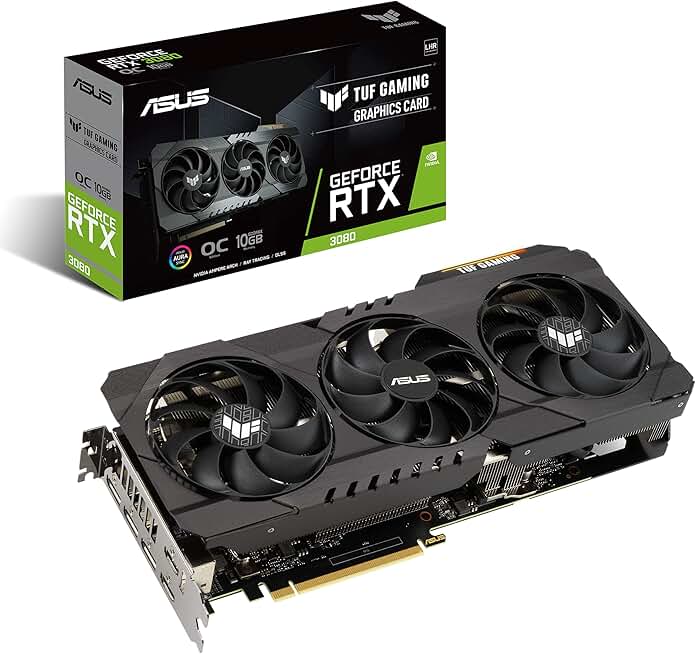
ASUS TUF GeForce RTX 3080 OC Edition
- Handles Warzone Ultra 4K settings
- 10GB GDDR6X VRAM, PCIe 4.0
- Military-grade build, 168 verified reviews
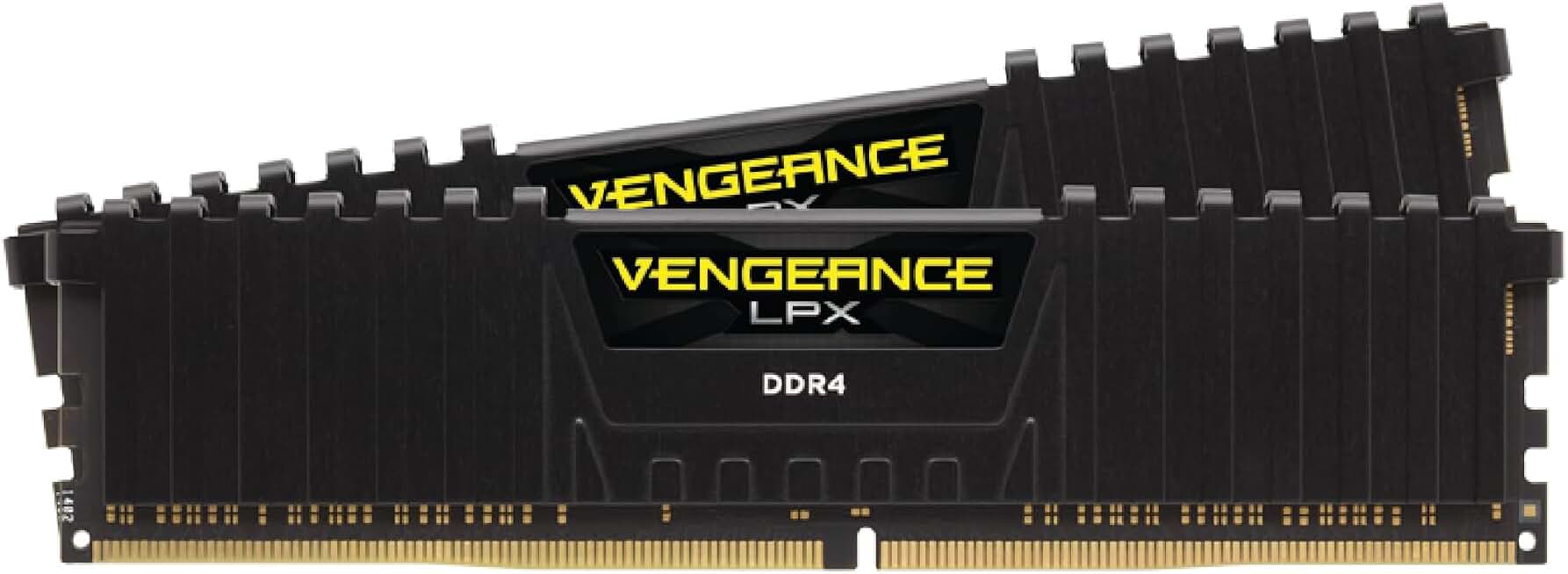
Corsair Vengeance LPX 32GB DDR4 3200MHz
- 32GB dual-channel for modpack performance
- 3200MHz speed, CL16 low latency
- Compatible with Intel XMP and AMD EXPO
Can I Run Black Myth Wukong? Quick Compatibility Reference
| Your GPU | Can You Run It? | Real-World Performance |
|---|---|---|
| RTX 4090 | Yes, easily | 4K Ultra — 90–110 fps; 1080p and 1440p are completely effortless even with all RT features enabled |
| RTX 3080 | Yes | 1440p High — 60–75 fps; 4K achievable at 50–60 fps with DLSS Quality |
| RTX 2070 | Yes | 1080p Medium — 55–65 fps with DLSS Quality; 1440p possible at reduced settings with upscaling |
| RTX 2060 | Borderline | 1080p Low — 40–50 fps with DLSS; 6 GB VRAM causes texture hitching at Medium settings, stay on Low |
| GTX 1660 Super | Minimum | 1080p Low — ~30–35 fps; 6 GB VRAM causes texture pop-in and frequent stutter, not officially supported |
| GTX 1060 6GB | Minimum | Below minimum spec; 1080p Low ~18–22 fps with severe stuttering and persistent VRAM overflow |
| GTX 950 or older | No | Cannot run — fails DirectX 12, minimum VRAM, and GPU compute requirements outright |
Is Black Myth Wukong Well Optimized? The Engine Reality
Black Myth: Wukong runs on Unreal Engine 5 with heavy use of Nanite virtualized geometry, Lumen global illumination, and optional hardware ray tracing and path tracing, making it one of the most GPU-demanding titles released in 2024. The engine’s reliance on real-time, high-fidelity lighting recalculation per frame means the GPU is under near-constant load even in static scenes, and the minimum RTX 2060 Super requirement reflects how much raw compute the renderer needs just to maintain a playable framerate at 1080p medium settings.
Black Myth: Wukong is a strictly single-player action RPG, so there is no server-side CPU overhead, but the game still demands a reasonably modern CPU because UE5’s Lumen and Nanite pipelines offload significant draw-call processing onto the CPU. Core counts below six threads will create a CPU bottleneck in dense combat arenas and large open environments like Chapter 2’s forest regions, where dozens of dynamic light sources and destructible foliage updates saturate the render thread.
RAM requirements are straightforward: 16 GB is the practical minimum for smooth play at medium to high settings, and the game will occasionally stutter on 8 GB systems as it pages assets to the SSD. At 1440p or higher with texture quality set to High or Epic, VRAM pressure also increases, meaning systems with only 8 GB of system RAM paired with a GPU carrying 8 GB of VRAM may experience hitching during scene transitions.
Settings to Tweak for More Frames Without Losing Visibility
Ray tracing in Black Myth: Wukong—especially the full Path Tracing mode—can cut framerates by 40–60% versus the default Lumen software renderer. Turning Ray Tracing off entirely and keeping Lumen active at Medium quality typically recovers 20–35 fps on recommended-tier hardware, with minimal visible difference outside of direct sunlight reflections on water surfaces.
Shadow Quality set to Epic uses cascaded shadow maps at very high resolution and is the second largest GPU cost after ray tracing; dropping it from Epic to High recovers roughly 8–12 fps at 1080p without noticeably softening in-game shadows during combat. Global Illumination (Lumen) quality should be left at Medium rather than High unless you are on an RTX 3080-class card or above, as the High preset increases noise-reduction sample counts and hits performance hard in enclosed spaces.
Black Myth: Wukong natively supports NVIDIA DLSS 3 (with Frame Generation on Ada Lovelace GPUs), AMD FSR 3, and Intel XeSS; on the minimum RTX 2060 Super, DLSS Quality mode at 1080p output delivers image clarity nearly identical to native while recovering 25–40% of framerate headroom. AMD users should use FSR 3 Quality rather than Balanced or Performance, as the FSR 3 implementation in this title is among the better ones and ghosting artifacts are minimal in Quality preset.
Texture quality itself has a relatively small CPU/GPU compute cost, but VRAM cost is significant—Epic textures can consume an additional 2–3 GB of VRAM compared to Medium. If you see consistent VRAM overbudget warnings or stuttering on a GPU with 8 GB or less, dropping textures from High to Medium frees VRAM for other systems with a trade-off that is mostly visible only in very close-up cutscenes and not noticeable during combat.
Frequently Asked Questions
Can I run Black Myth Wukong on a GTX 1060?
No, the GTX 1060 falls well below the official minimum GPU requirement of an RTX 2060 Super or RX 5700 XT. Black Myth Wukong is built on Unreal Engine 5 with demanding features like Lumen global illumination and Nanite geometry, which require significantly more GPU horsepower. You’ll need to upgrade your graphics card to get the game running at playable settings.
How much RAM do I need for Black Myth Wukong?
Black Myth Wukong requires a minimum of 16 GB of RAM, which is also the recommended amount. This is standard for modern UE5 titles, as the engine’s streaming systems and high-fidelity assets demand substantial memory headroom. Running with less than 16 GB will result in stuttering and potential crashes.
Does Black Myth Wukong support DLSS or FSR?
Yes, Black Myth Wukong supports both NVIDIA DLSS 3 (including Frame Generation on RTX 40-series cards) and AMD FSR 3, making it one of the more well-equipped UE5 titles for upscaling. XeSS support for Intel Arc GPUs is also included. Using these upscalers is strongly recommended on mid-range hardware, as they can provide substantial performance boosts without a major visual quality penalty.
Is Black Myth Wukong CPU or GPU heavy?
Black Myth Wukong is primarily GPU-bound, with its Unreal Engine 5 rendering pipeline — including Lumen lighting and Nanite virtualized geometry — placing the heaviest load on your graphics card. That said, a modern quad-core or better CPU is still necessary to avoid bottlenecking the GPU, with the recommended spec being a Ryzen 5 5500 or Intel Core i7-9700. Players with older CPUs may experience frame time spikes even with a powerful GPU.
What is the minimum GPU for Black Myth Wukong?
The official minimum GPU is the NVIDIA GeForce RTX 2060 Super or AMD Radeon RX 5700 XT. Both cards offer 8 GB of VRAM, which is the baseline needed to handle the game’s high-resolution texture streaming. At minimum settings with DLSS or FSR enabled, these cards can achieve playable frame rates at 1080p.
Can I run Black Myth Wukong on a laptop?
Yes, you can run Black Myth Wukong on a gaming laptop, provided it meets the minimum GPU requirement — equivalent to an RTX 2060 Super mobile or better. Keep in mind that laptop GPUs typically have lower TGP (Total Graphics Power) than their desktop counterparts, so performance will be lower than desktop equivalents. Enabling DLSS or FSR is essentially mandatory on laptop hardware to hit smooth frame rates, and expect significant heat and fan noise under load.
Does Black Myth Wukong require an SSD?
Yes, an SSD is required — not just recommended — to run Black Myth Wukong. The game’s UE5 streaming architecture depends on fast storage to load assets on the fly, and running it from a traditional HDD will cause severe texture pop-in, long load times, and potential stuttering. Make sure you have at least 130 GB of free SSD space before installing.
What DirectX version does Black Myth Wukong use?
Black Myth Wukong requires DirectX 12, which is standard for Unreal Engine 5 titles utilizing advanced rendering features like hardware ray tracing and mesh shaders. This means Windows 10 or Windows 11 is required, and older DirectX 11 GPUs are not supported regardless of their raw performance. Ensure your GPU drivers are up to date, as DX12 performance is heavily driver-dependent.