
Rainbow Six Siege has one of the lowest minimum specs in competitive gaming a GTX 460 technically works. The game was designed to run on older hardware to maximize its player base, and it shows. Most mid-range and budget PCs handle it well above 60fps. The competitive scene targets 144fps+, which is achievable on modest hardware with settings optimization. Siege is also one of the best-looking games for its hardware requirements, with destructible environments that actually look impressive at high settings.
Minimum vs Recommended Specs
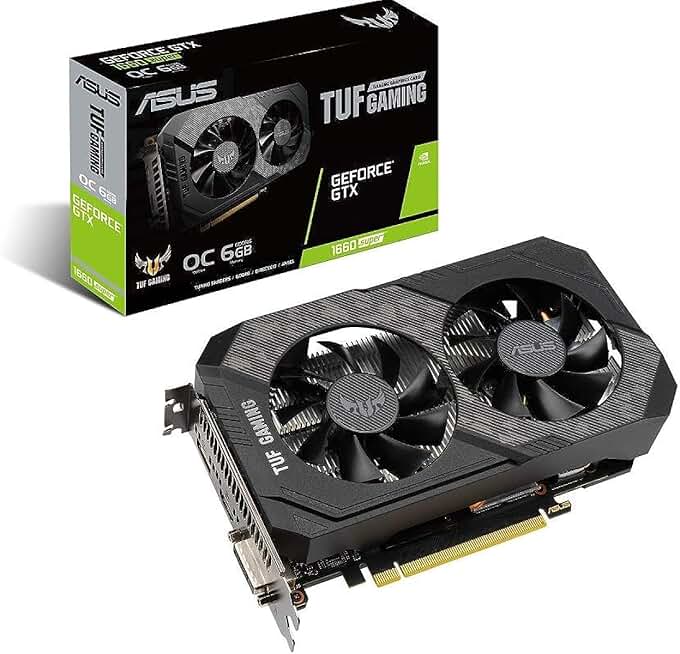
ASUS TUF GTX 1660 Super OC 6GB
- Runs Siege at 144fps+
- Highly rated, 1079 reviews
- 3-year warranty included
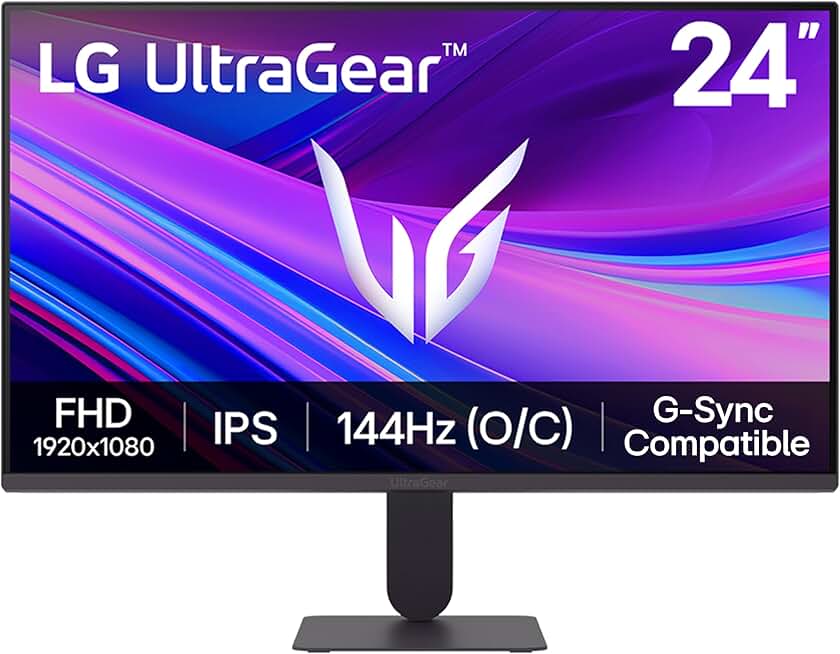
LG UltraGear 24" 144Hz IPS Monitor
- 144Hz smooth for high-fps Fortnite
- G-Sync and FreeSync compatible
- 1ms MBR, HDR10 supported
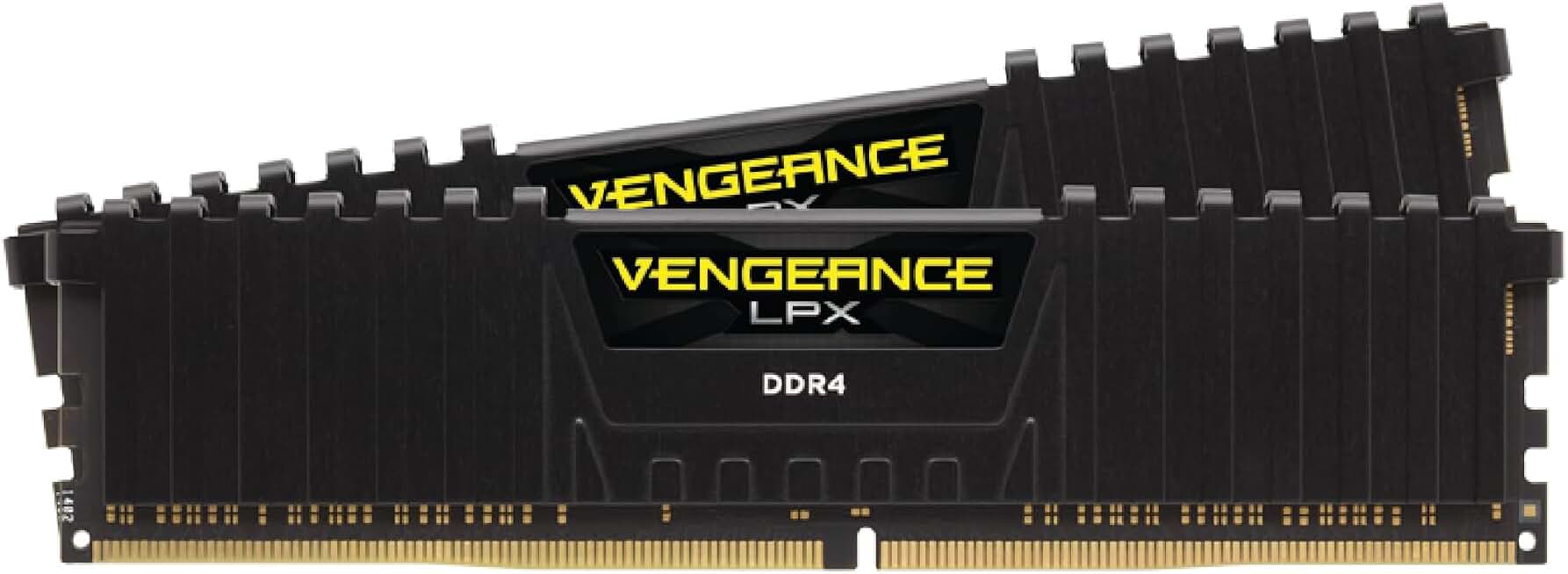
Corsair Vengeance LPX 32GB DDR4 3200MHz
- 32GB dual-channel for modpack performance
- 3200MHz speed, CL16 low latency
- Compatible with Intel XMP and AMD EXPO
Quick Compatibility Reference
| Your Hardware | Can You Run It? | Expected Performance |
|---|---|---|
| RTX 3060 / RX 6600 + i7 + 16GB | Yes, maxed | 1080p / Ultra / 200fps+ |
| GTX 1660 / RX 5600 XT + i5 + 8GB | Yes | 1080p / High / 144fps+ |
| GTX 1060 / RX 480 + i5 + 8GB | Yes (recommended) | 1080p / High / 100-144fps |
| GTX 970 / RX 380 + 8GB | Yes | 1080p / Medium / 60-90fps |
| GTX 750 Ti / HD 5870 + 6GB | Yes (minimum) | 1080p / Low / 30-60fps |
| Pre-DX11 hardware | No | Below minimum |
R6 Siege Competitive Settings Guide
Competitive Rainbow Six Siege players typically run the game on Low or Medium settings with textures on High. The reason is the same as CS2 and Valorant visual clutter obscures enemy positions. Shadows, lens flare, and ambient occlusion are standard disables for ranked play.
The game’s destruction system means framerates vary significantly between the start of a round (clean map) and the end (heavily breached). Setting your FPS cap slightly below your GPU’s maximum prevents the inconsistency from feeling jarring. From my experience, a GTX 1060 at 1080p Medium settings delivers 100+ fps in clean map conditions and stays above 80fps in heavy breach scenarios.