
World of Warcraft has been running for over twenty years, and Blizzard has continuously updated its engine to support modern hardware while keeping accessibility high. The minimum spec is modest a GTX 760 gets you in the door. But WoW raids and high-end content with 20-40 players, complex spell animations, and dense world content can actually stress capable hardware. The game scales from potato to powerhouse, and your experience varies dramatically based on where in the performance range you sit.
Minimum vs Recommended Specs
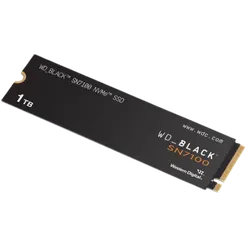
WD_Black SN7100 1TB NVMe SSD - Gen4 PCIe
- Gen4 NVMe with 7,250 MB/s reads — near-instant BG3 load times
- Reduces Act 3 loading screens and area transitions noticeably
- PS5-certified speed with headroom for PC gaming demands
- Gaming firmware prioritizes sustained sequential reads
- 4.8 stars from over 5,600 buyers
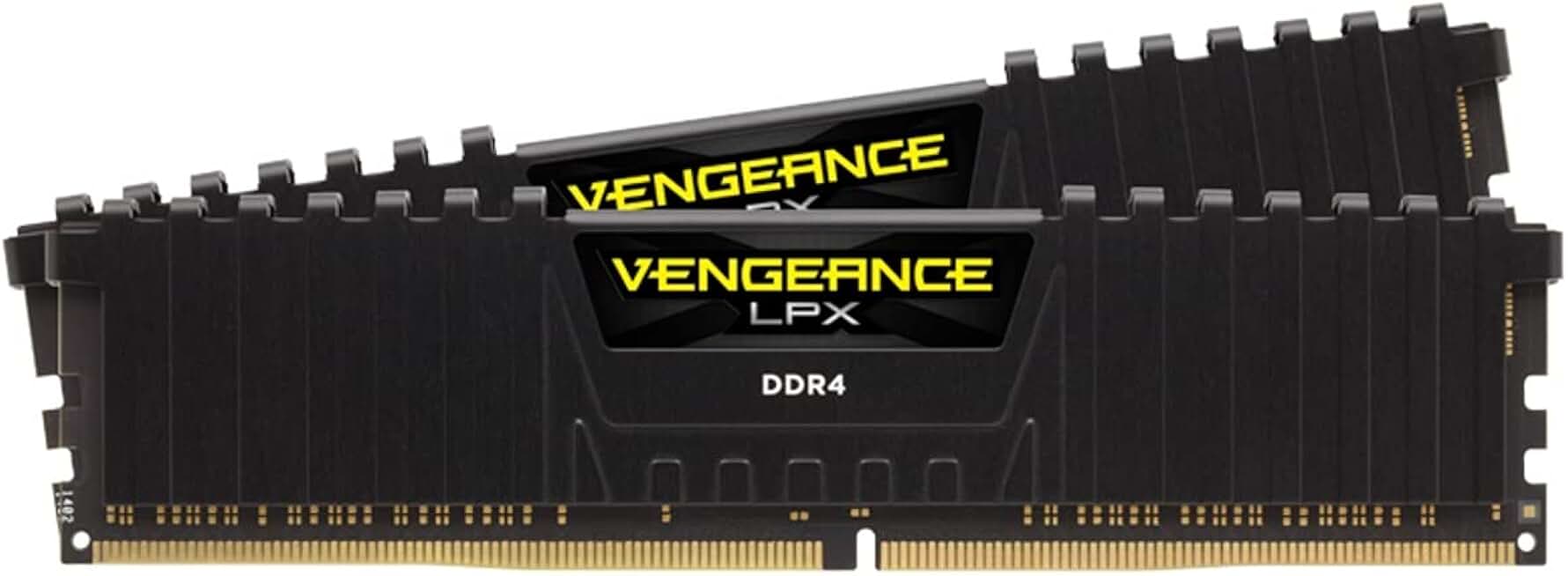
Corsair Vengeance LPX 16GB DDR4 3200MHz
- Meets recommended 16GB RAM spec
- 3200MHz for smooth gameplay
- 4.8 stars, 5800+ reviews
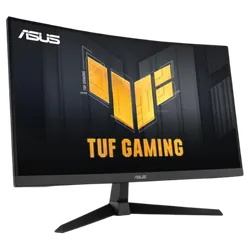
ASUS TUF Gaming 27” 1440P HDR Monitor (VG27AQ3A)
- 1440p QHD matches WoW's recommended spec — stunning detail in Azeroth
- 180Hz and 1ms Fast IPS makes combat and spell effects buttery smooth
- G-SYNC and FreeSync eliminate tearing in high-framerate zones
- 130% sRGB makes WoW's vibrant art style vivid and accurate
- Built-in speakers and HDMI/DisplayPort — complete plug-and-play setup
Quick Compatibility Reference
| Your Hardware | Can You Run It? | Expected Performance |
|---|---|---|
| RTX 3070 / RX 6800 XT + i7 + 32GB | Yes, maxed | 1440p / Ultra / 100fps+ |
| RTX 2060 / RX 5700 XT + i7 + 16GB | Yes (recommended) | 1080p / Ultra / 60fps |
| GTX 1660 / RX 5600 XT + i5 + 16GB | Yes | 1080p / High / 60fps |
| GTX 1060 / RX 580 + i5 + 8GB | Yes | 1080p / Medium / 60fps |
| GTX 760 2GB / RX 560 + 8GB | Borderline | 1080p / Low / 30fps in raids |
| Integrated graphics | No | Below minimum for current expansions |
WoW Performance Guide for Raids and Open World
WoW’s graphics settings have a massive performance range. The difference between Low and Ultra is enormous both in visual quality and hardware requirements. For open-world questing and dungeons, most mid-range hardware handles High or Ultra settings comfortably. Raids are where settings management matters.
The most impactful settings to reduce for raid performance are Particle Density and Projected Textures. These cover spell effects from other players, and in a 20-man raid with dozens of active spells, reducing these settings can double your framerate on mid-range hardware without significantly impacting your own ability awareness.