

Apex Legends is one of the best-optimized battle royale games on PC. Respawn built it on a modified Source engine that scales well from budget hardware all the way to high-end setups. A GTX 970 gets you in the door at 1080p/60fps, and most mid-range GPUs hit well above 144fps. From my experience, Apex rewards higher framerates more than most shooters because of its movement system the smoother it runs, the better the feel.
Minimum vs Recommended Specs
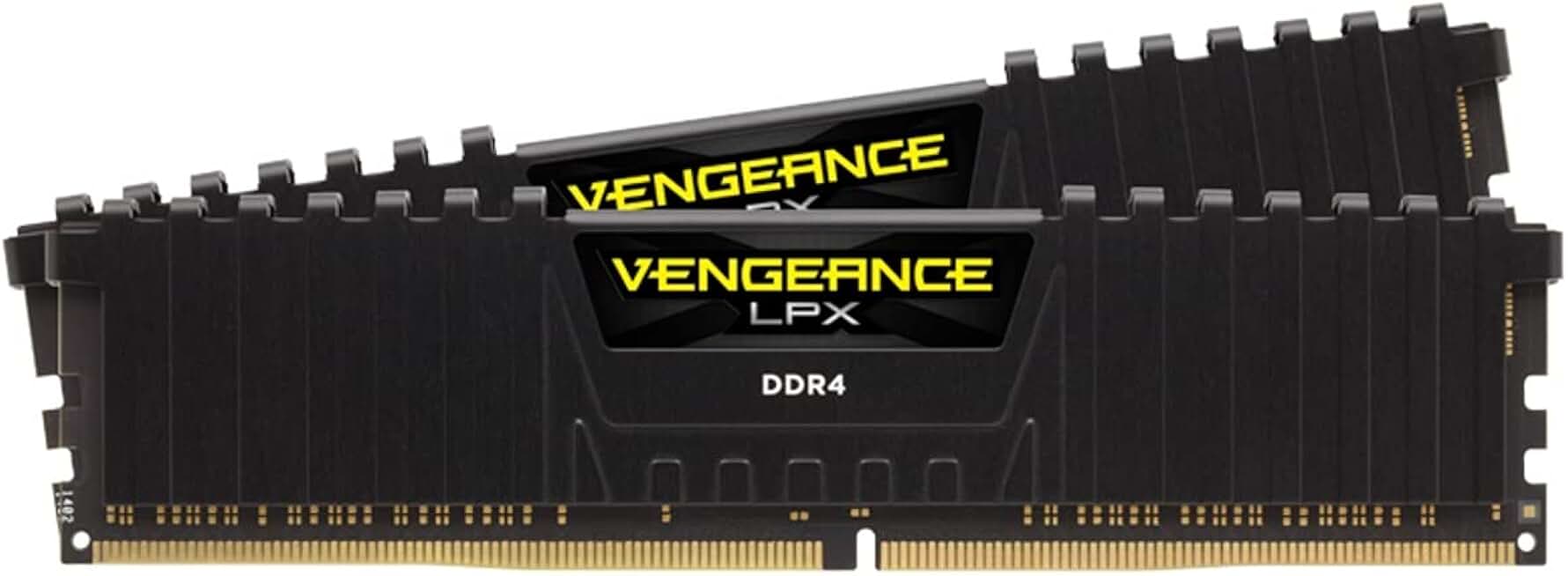
Corsair Vengeance LPX 16GB DDR4 3200MHz
- Meets recommended 16GB RAM spec
- 3200MHz for smooth gameplay
- 4.8 stars, 5800+ reviews
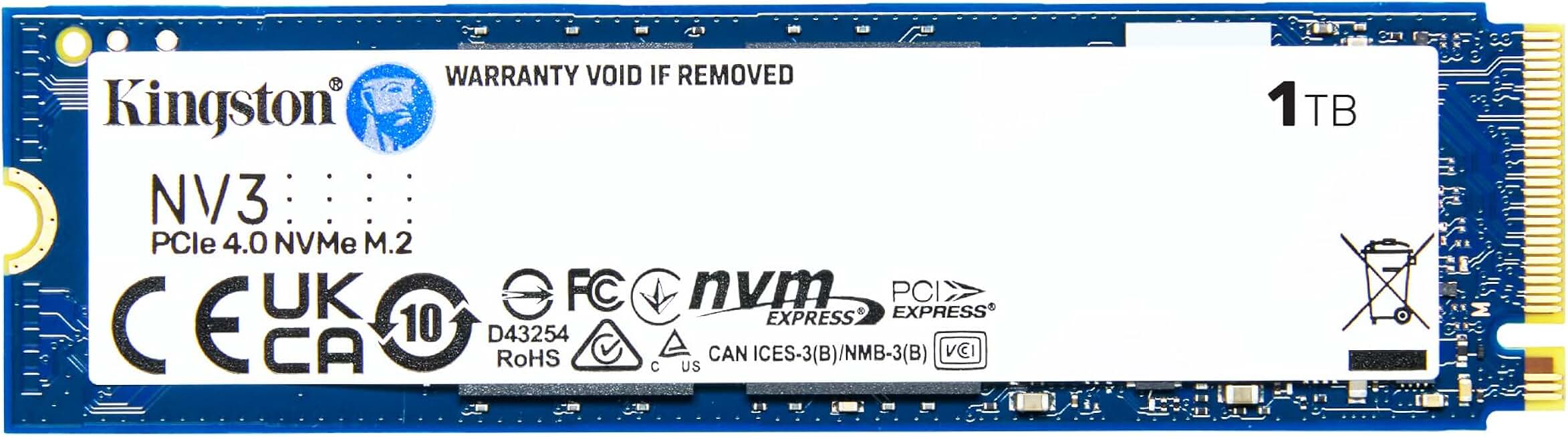
Kingston NV3 1TB PCIe 4.0 NVMe SSD
- SSD reduces Apex lobby load times
- 1TB fits game plus more
- Up to 6000 MB/s read speed
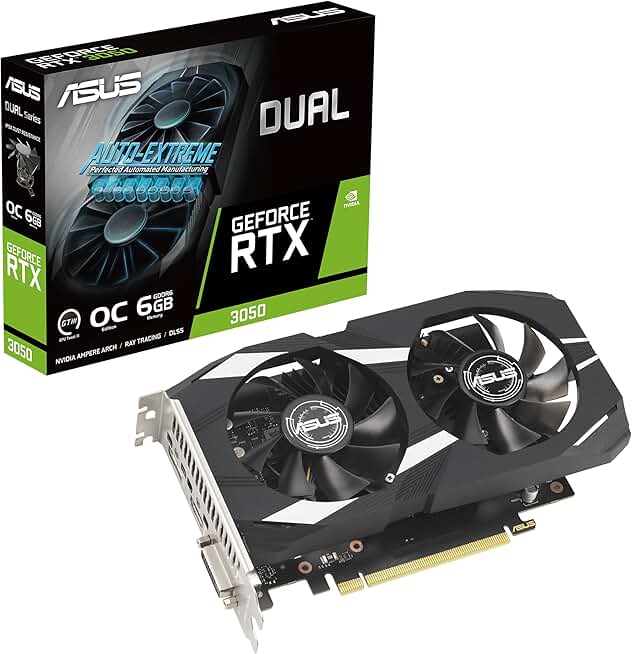
ASUS Dual RTX 3050 6GB OC Gaming
- Runs Apex at 1080p high settings
- 6GB GDDR6 above minimum spec
- 4.6 stars, 1000+ reviews
Quick Compatibility Reference
| Your Hardware | Can You Run It? | Expected Performance |
|---|---|---|
| RTX 3070 / RX 6800 XT + i7 + 16GB | Yes, maxed | 1080p / Ultra / 200fps+ |
| RTX 2060 / RX 5700 XT + i5 + 16GB | Yes | 1080p / High / 144fps |
| GTX 1660 Super / RX 5600 XT + i5 + 8GB | Yes | 1080p / Medium / 100-144fps |
| GTX 1060 / RX 580 + i5 + 8GB | Yes | 1080p / Medium / 80-100fps |
| GTX 970 / RX 470 + 8GB | Yes (minimum) | 1080p / Low / 60fps |
| GTX 750 Ti or older | No | Below minimum |
Apex Legends Performance Tips
Apex rewards high framerates. Most players I know drop shadows to Low or off entirely it’s the biggest GPU saving with minimal visual impact. Texture streaming quality can stay on High since it’s mostly VRAM-dependent. For competitive play, disabling V-Sync and setting a high FPS cap (matching your monitor) is standard practice.
The game’s engine handles AMD and Nvidia cards equally well. From my experience an RX 6600 XT at 1080p Medium hits 140fps consistently, which is the competitive sweet spot without needing high-end hardware.