
League of Legends is one of the most accessible PC games in the world by design. Riot built it to run on low-end hardware so that as many players as possible can compete on equal technical footing. The minimum spec includes an Intel HD 4000 integrated GPU the kind found in office laptops from 2012. If you own a PC or laptop from the last eight years, you can run League. The question is whether you can hit 144fps for competitive play, which requires a bit more.
Minimum vs Recommended Specs
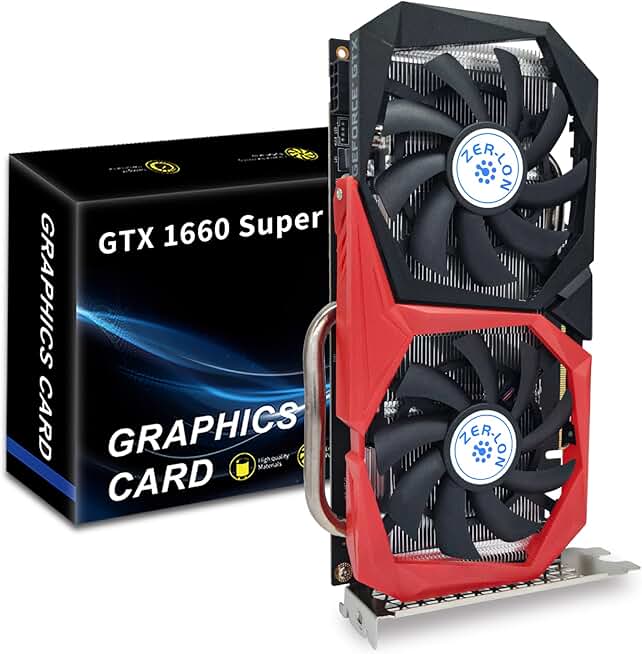
ZER-LON GTX 1660 Super 6GB
- Hits Dota 2 recommended spec perfectly
- 6GB GDDR6 for smooth 1080p
- Dual fans keep temps low
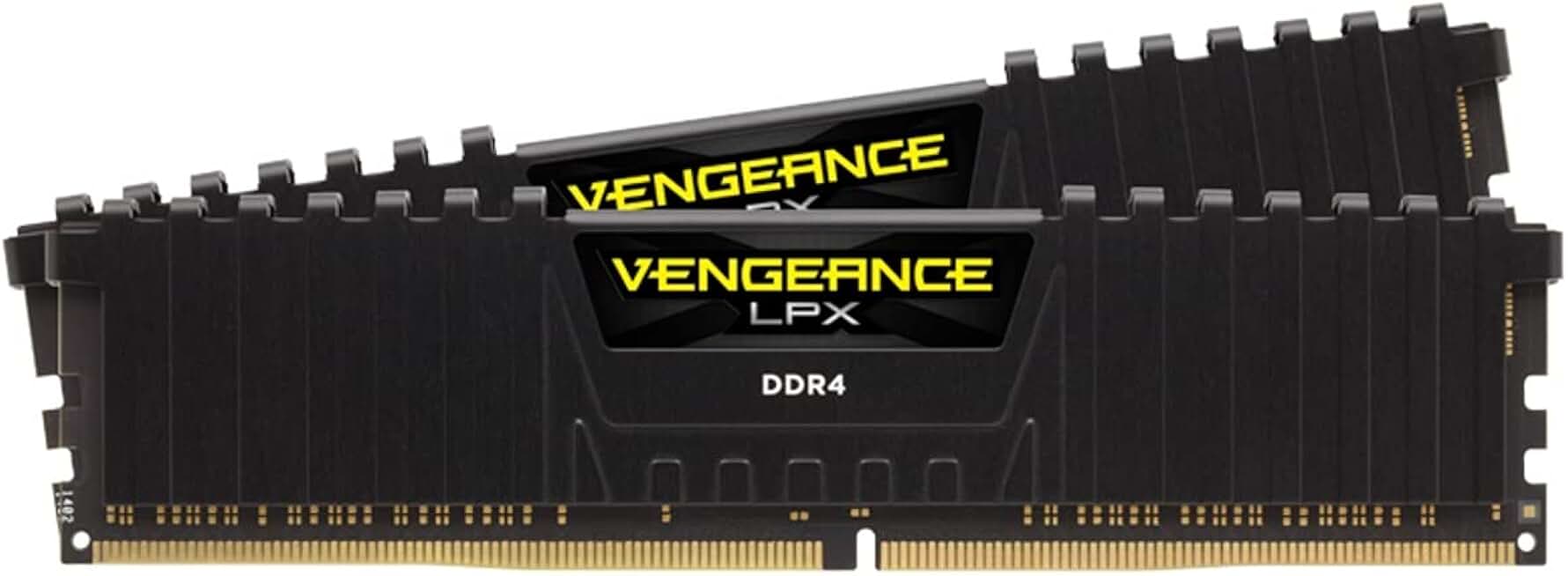
Corsair Vengeance LPX 16GB DDR4 3200MHz
- Meets recommended 16GB RAM spec
- 3200MHz for smooth gameplay
- 4.8 stars, 5800+ reviews
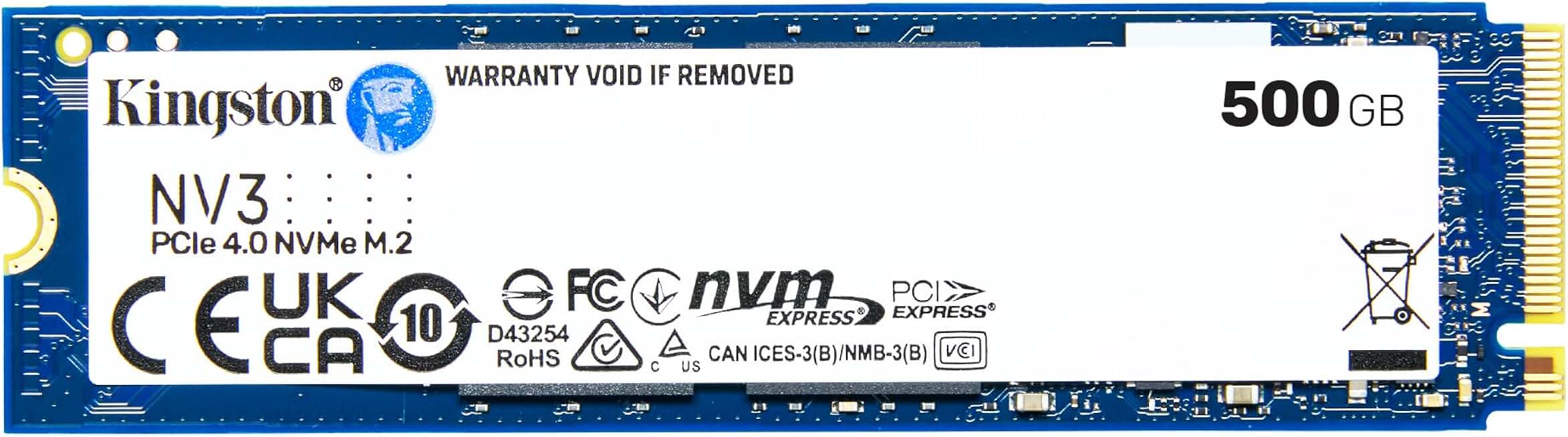
Kingston NV3 500GB PCIe 4.0 NVMe SSD
- Faster LoL match load times
- Up to 5,000 MB/s read
- Holds LoL plus more games
Quick Compatibility Reference
| Your Hardware | Can You Run It? | Expected Performance |
|---|---|---|
| RTX 2060 / RX 5700 + i7 + 16GB | Yes, maxed | 1080p / Ultra / 200fps+ |
| GTX 1660 / RX 5500 XT + i5 + 8GB | Yes | 1080p / High / 144fps+ |
| GTX 1060 / RX 580 + i5 + 8GB | Yes | 1080p / High / 144fps |
| GTX 1050 Ti / RX 570 + i5 + 8GB | Yes (recommended) | 1080p / High / 60-100fps |
| GTX 960 / R9 380 + 4GB | Yes | 1080p / Medium / 60fps |
| Intel HD 4000 / GTX 650 + 4GB | Yes (minimum) | 1080p / Low / 30-60fps |
| Pre-2010 hardware | Borderline | May not meet minimum |
Hitting 144fps in League of Legends
League of Legends has a frame rate cap you can adjust in settings. The default is often 60fps, but competitive players unlock it to match their monitor’s refresh rate. For 144fps consistent gameplay, a GTX 1060 or RX 580 with a modern quad-core CPU is more than enough at 1080p on High settings.
The main performance variable in League is the late-game teamfight with 10 champions, dozens of minions, multiple ultimate animations, and tower attacks all happening simultaneously. This is when CPU-limited setups drop frames. A modern 6-core CPU handles this without issue, while older dual-core processors will struggle in the most chaotic fights.
From my experience, most players on GTX 1050 Ti class hardware hit 144fps in the early and mid-game easily, with occasional dips to 100-120fps in the most intensive fights. That’s perfectly smooth for ranked play. You genuinely don’t need a high-end GPU for League.
Yes. LoL officially supports Intel HD 4000 (2012) at minimum settings, making it one of the most accessible competitive games on PC
CPU-bound. Late-game teamfights stress the processor far more than the GPU. A modern quad-core CPU matters more than your graphics card for consistent frame rates
A GTX 1060 or RX 580 paired with a quad-core CPU running at 3.5GHz+ will sustain 144fps at 1080p High settings in most game states
Yes. Any laptop with Intel HD 4000 or newer integrated graphics meets minimum requirements. Budget laptops from 2015 onward can typically run LoL at 30fps on low settings