
Dota 2 runs on almost anything. Valve built it to be accessible from day one, and that hasn’t changed. The minimum spec includes hardware from 2007 a GeForce 8600 series. If your PC was assembled in the last decade with any kind of dedicated GPU, you can run Dota 2. The more relevant question is what framerate and settings you can expect, since the game’s engine can scale up significantly on modern hardware with all effects enabled.
Minimum vs Recommended Specs
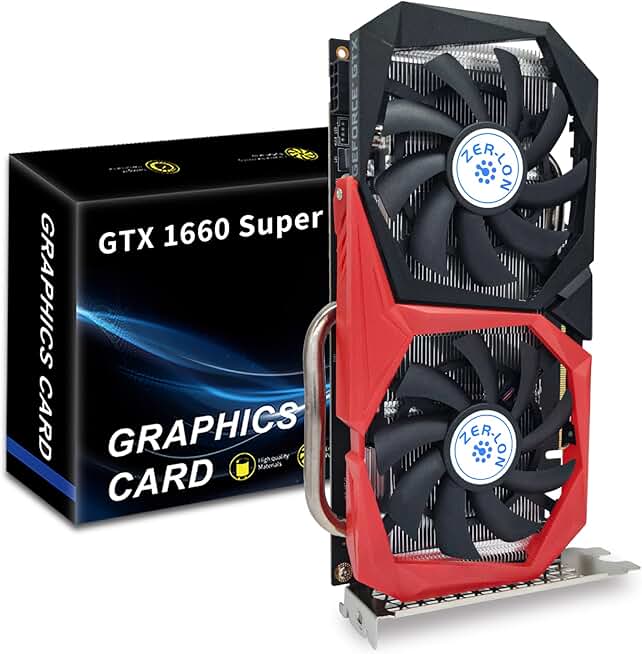
ZER-LON GTX 1660 Super 6GB
- Hits Dota 2 recommended spec perfectly
- 6GB GDDR6 for smooth 1080p
- Dual fans keep temps low
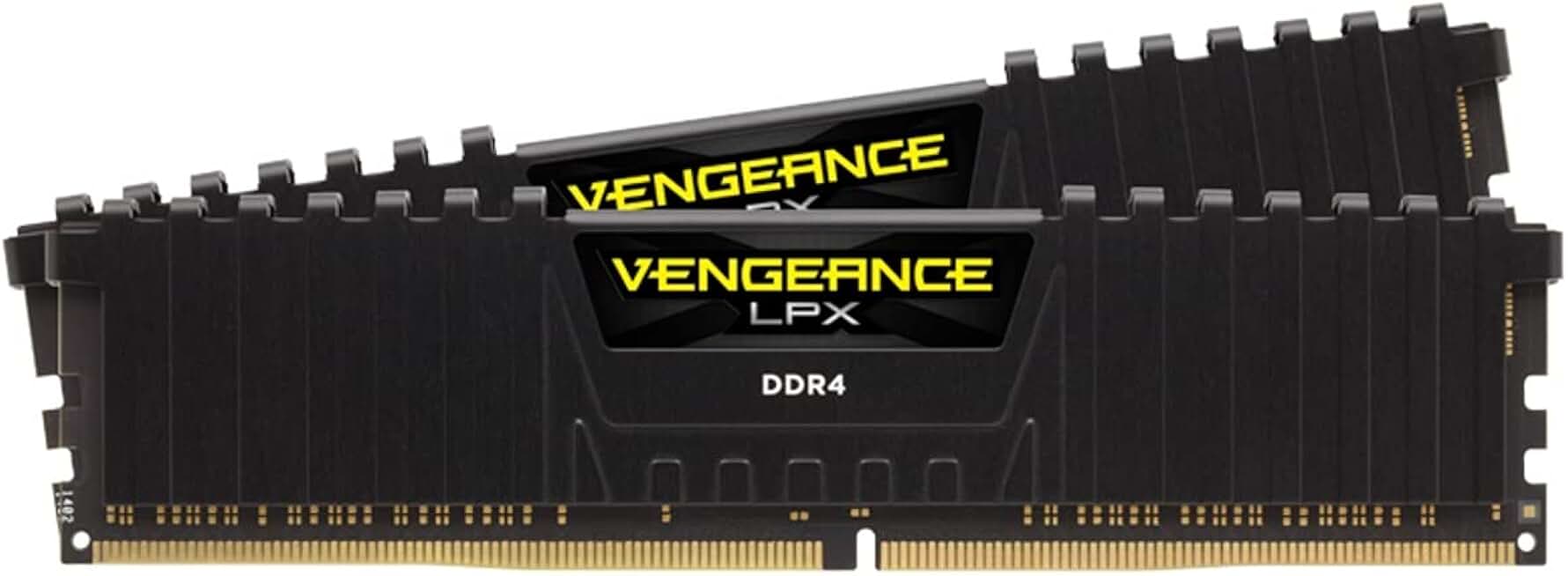
Corsair Vengeance LPX 16GB DDR4 3200MHz
- Meets recommended 16GB RAM spec
- 3200MHz for smooth gameplay
- 4.8 stars, 5800+ reviews
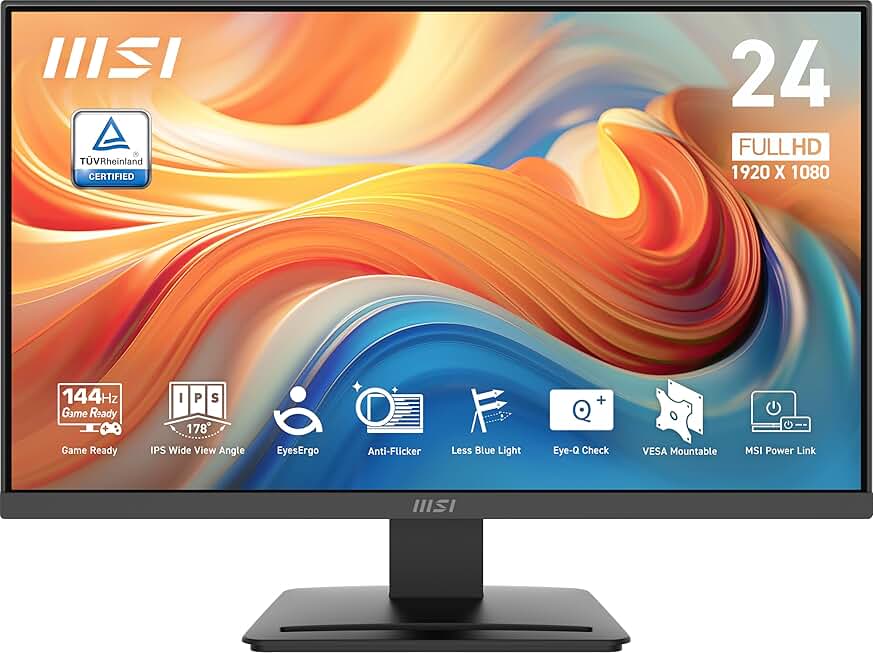
MSI PRO MP243 24" 144Hz IPS
- 144Hz matches high-fps Dota 2
- 1ms response, FreeSync ready
- 4.8-star IPS panel, 24-inch
Quick Compatibility Reference
| Your Hardware | Can You Run It? | Expected Performance |
|---|---|---|
| RTX 3070 / RX 6800 XT + i7 + 16GB | Yes, maxed | 4K / Ultra / 200fps+ |
| RTX 2060 / RX 5700 XT + i5 + 16GB | Yes | 1440p / High / 144fps+ |
| GTX 1660 / RX 5500 XT + i5 + 8GB | Yes | 1080p / High / 100-144fps |
| GTX 1060 / RX 580 + i5 + 8GB | Yes (recommended) | 1080p / High / 60-100fps |
| GTX 970 / RX 470 + 8GB | Yes | 1080p / Medium / 60fps+ |
| GTX 750 Ti / Intel HD Graphics + 4GB | Yes (minimum) | 1080p / Low / 30-60fps |
| Very old hardware (pre-2010) | Borderline | 720p / Low / ~30fps |
Getting the Best Performance in Dota 2
Dota 2 is one of the most well-optimized competitive games on PC. Even on mid-range hardware from several years ago, you can expect smooth 60fps at 1080p with settings on High. The game runs on Valve’s Source 2 engine, which handles a wide range of hardware gracefully.
For competitive play, the main setting to focus on is shadow quality it’s the biggest performance drain. Dropping shadows from High to Medium recovers significant framerate on mid-range cards. Ambient occlusion is also worth disabling on older GPUs as it has a noticeable cost with minimal visual benefit at 1080p.
From my experience, players on GTX 1060 or RX 580 class hardware typically hit 100-120fps at 1080p with High settings and shadows at Medium. That’s a perfectly smooth competitive experience. You really don’t need high-end hardware to enjoy Dota 2 at its best.