Counter-Strike 2 replaced CS:GO in 2023 and brought significantly higher hardware demands with it. CS:GO ran on almost anything CS2 on Source 2 is a different story. The minimum spec is still accessible, but competitive players quickly learned that hitting 144fps+ on a GTX 1060 requires heavy settings compromises. The good news: CS2 is a game where settings optimization matters more than raw hardware, and most players I know on mid-range cards still perform well at 1080p.
Minimum vs Recommended Specs
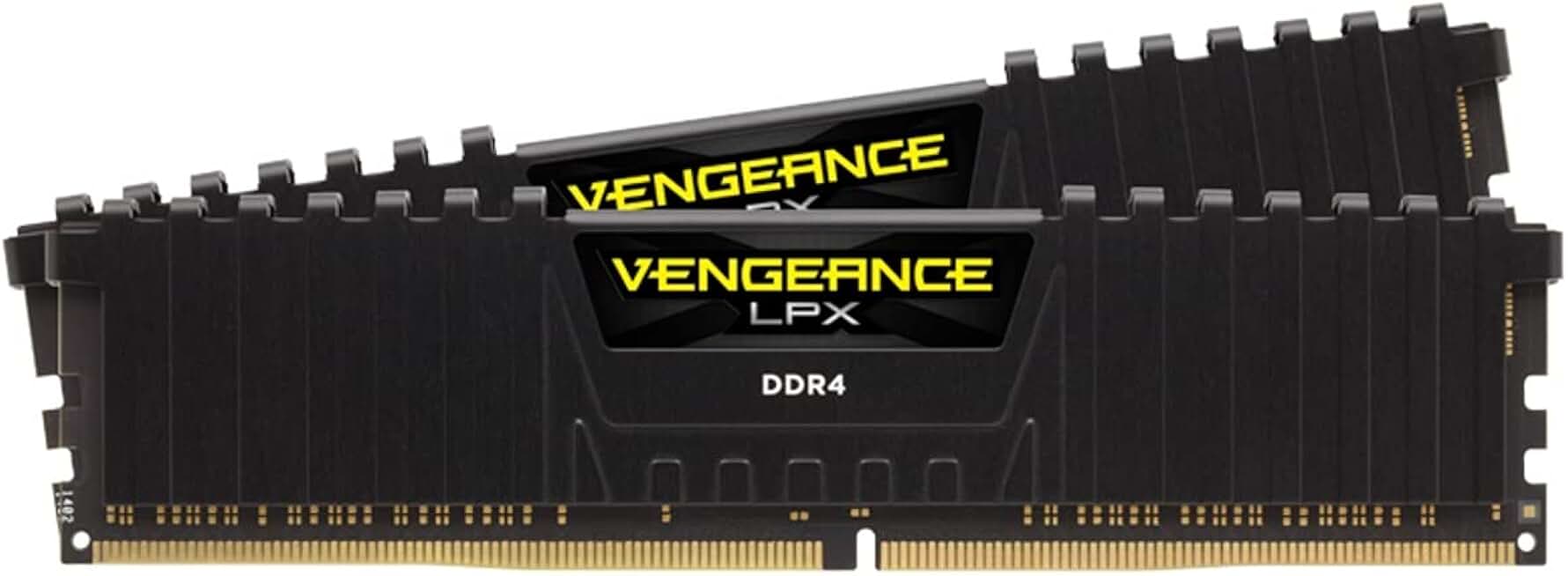
Corsair Vengeance LPX 16GB DDR4 3200MHz
- Meets recommended 16GB RAM spec
- 3200MHz for smooth gameplay
- 4.8 stars, 5800+ reviews
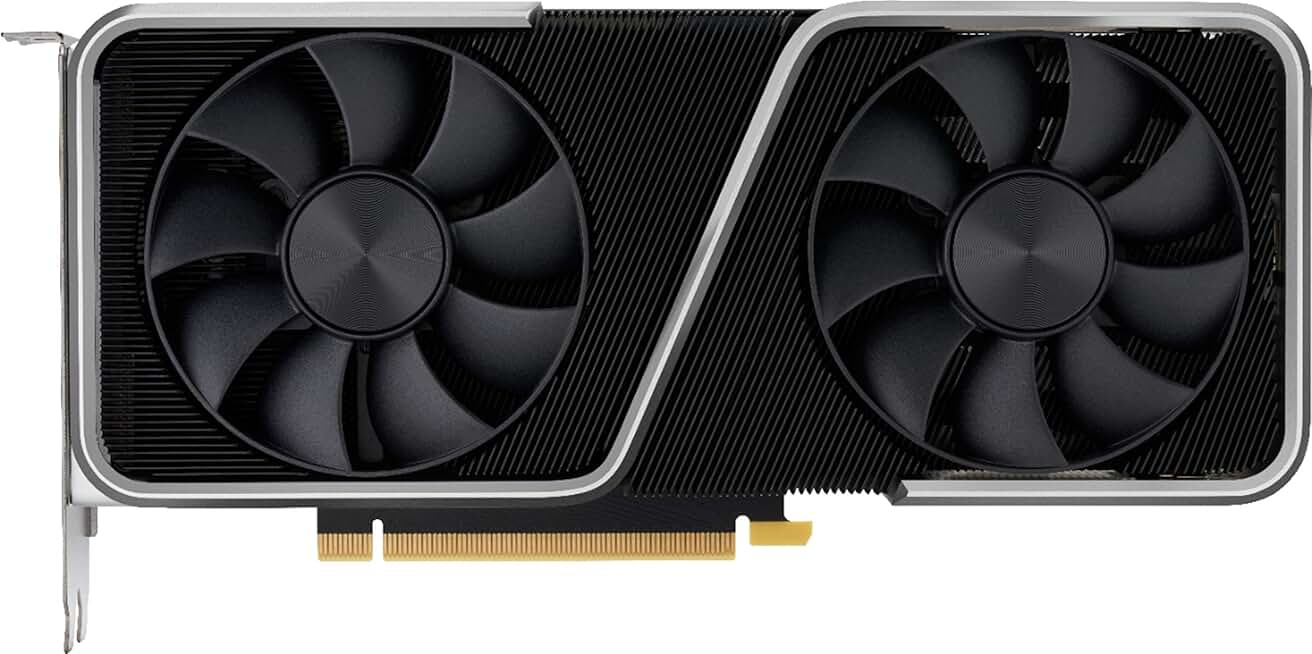
NVIDIA RTX 3060 Ti Founders Edition 8GB
- Hits 144fps+ at 1080p High
- 8GB GDDR6 for CS2
- Renewed unit, great value
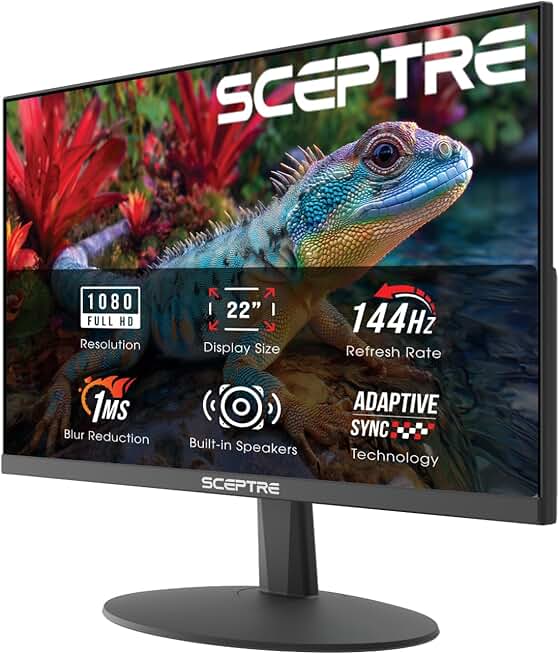
Sceptre 22-Inch 144Hz 1080p Gaming Monitor
- 144Hz for competitive CS2
- Full HD 1080p display
- Budget-friendly with DisplayPort
Quick Compatibility Reference
| Your Hardware | Can You Run It? | Expected Performance |
|---|---|---|
| RTX 3080 / RX 6800 XT + i9 + 32GB | Yes, maxed | 1440p / Ultra / 240fps+ |
| RTX 3060 Ti / RX 6700 XT + i7 + 16GB | Yes | 1080p / High / 144-200fps |
| RTX 2060 / RX 5700 XT + i5 + 16GB | Yes | 1080p / High / 100-144fps |
| GTX 1660 Super / RX 5600 XT + i5 + 8GB | Yes | 1080p / Medium / 100fps+ |
| GTX 1060 6GB / RX 580 + i5 + 8GB | Yes (minimum) | 1080p / Low / 60-90fps |
| GTX 970 / RX 480 + 8GB | Borderline | 720p / Low / ~60fps |
| Integrated graphics / GTX 750 Ti or older | No | Below minimum |
CS2 Competitive Settings Guide
Counter-Strike is one of the few games where lower visual settings genuinely help you win. Shadows, ambient occlusion, and post-processing effects add visual noise that obscures enemies. Most professional and semi-professional players run CS2 on Low or Medium settings at 1080p to maximize framerate and clarity. I’ve noticed that dropping shadows to Very Low alone recovers 15-25% framerate on most mid-range setups.
The volumetric smoke grenades introduced in CS2 are the single most demanding visual feature. They look impressive but can cut framerates by 20-40fps during heavy smoke usage in competitive play. On lower-end hardware, reducing the smoke quality setting from the launch options helps considerably.
For competitive play, the target is 144fps minimum for a 144Hz monitor or 240fps for high-refresh setups. Most mid-range builds RTX 3060, RX 6600 XT hit 144fps at 1080p on Medium settings comfortably.