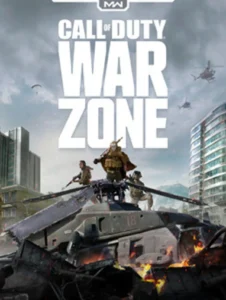
The good news: Warzone is one of the most accessible competitive shooters on PC. Minimum specs go down to a GTX 960 and 8GB of RAM, meaning machines from 2015 can technically run it. The bad news: “running it” and “playing it competitively” are two very different things. Warzone is a 150-player online battle royale with a massive open world and a version of the IW engine that has grown heavier with every season since 2020. Use the checker below to see exactly where your rig lands, then read on for the full honest picture.
Call of Duty: Warzone PC System Requirements All Five Tiers
Activision publishes five spec tiers for Warzone, from absolute minimum all the way up to 4K Ultra. That’s unusual and useful here’s the full breakdown. Specs below reflect current Warzone integrated with Black Ops 6 (2024–2026 seasons).
| Spec | Minimum | Recommended | High (1080p/60fps) | Ultra 2K | Ultra 4K |
|---|---|---|---|---|---|
| OS | Windows 10 64-bit | Windows 10 64-bit | Windows 10/11 64-bit | Windows 10/11 64-bit | Windows 10/11 64-bit |
| CPU | Intel i3-6100 / i5-2500K AMD Ryzen 3 1200 | Intel i5-6600K / i7-4770 AMD Ryzen 5 1400 | Intel i7-8700K AMD Ryzen 5 3600X | Intel i9-9900K AMD Ryzen 7 3700X | Intel i9-10900K AMD Ryzen 9 3900X |
| GPU | Nvidia GTX 960 AMD RX 470 | Nvidia GTX 1060 AMD RX 580 | Nvidia RTX 2070 AMD RX 5700 XT | Nvidia RTX 2080 AMD RX 6800 XT | Nvidia RTX 3080 AMD RX 6800 XT |
| RAM | 8 GB | 12 GB | 16 GB | 16 GB | 32 GB |
| VRAM | 2 GB | 3 GB | 8 GB | 10 GB | 16 GB |
| Storage | 125 GB SSD | 125 GB SSD | 125 GB SSD | 125 GB SSD | 125 GB SSD |
| DirectX | Version 12 | Version 12 | Version 12 | Version 12 | Version 12 |
| Target | 720p / Low / ~30fps | 1080p / Low–Med / 60fps | 1080p / High / 60fps | 1440p / Ultra / 60fps | 2160p / Ultra / 60fps |
dxdiag to check your DirectX version if you’re unsure.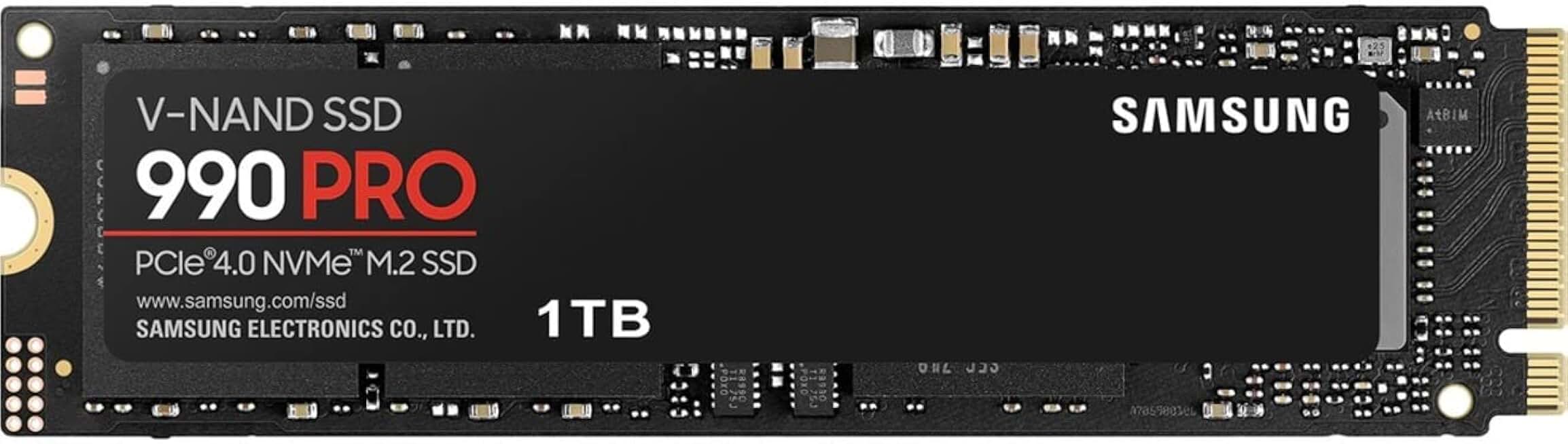
Samsung 990 PRO 1TB PCIe 4.0 NVMe SSD
- Eliminates PUBG map pop-in issues
- 7,450 MB/s read speed
- Top-rated with 12,959 reviews
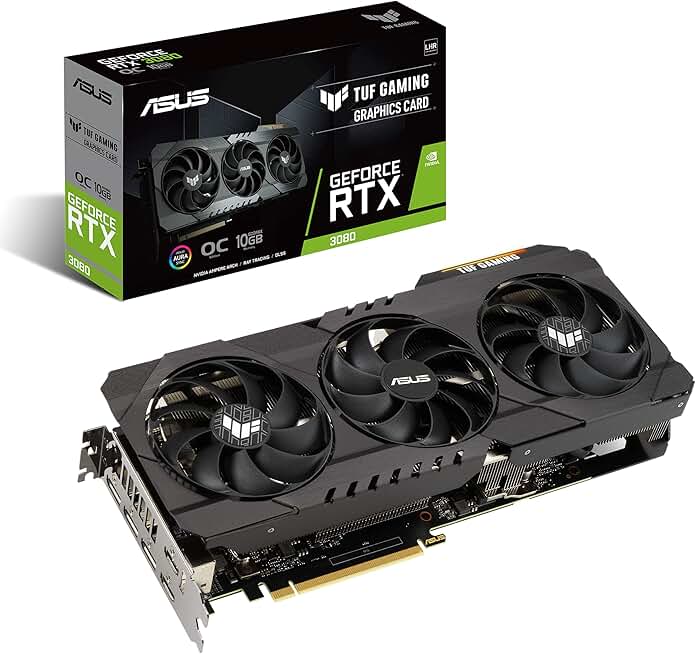
ASUS TUF GeForce RTX 3080 OC Edition
- Handles Warzone Ultra 4K settings
- 10GB GDDR6X VRAM, PCIe 4.0
- Military-grade build, 168 verified reviews
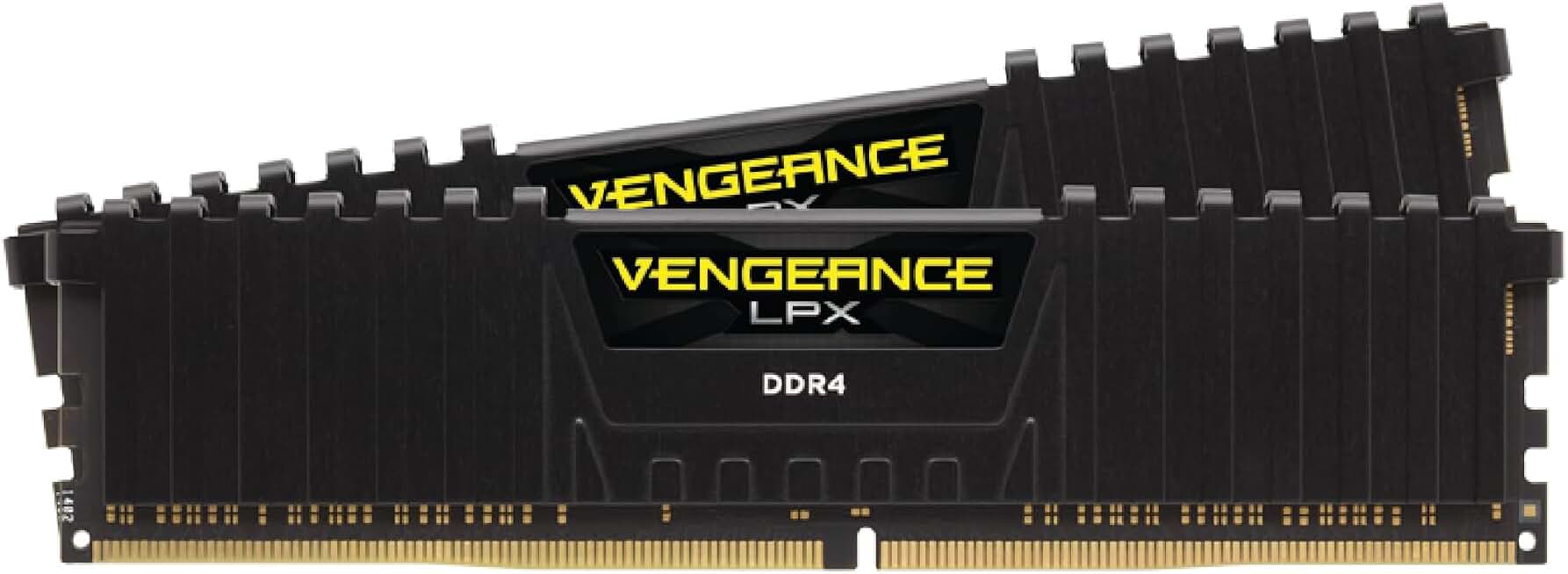
Corsair Vengeance LPX 32GB DDR4 3200MHz
- 32GB dual-channel for modpack performance
- 3200MHz speed, CL16 low latency
- Compatible with Intel XMP and AMD EXPO
Can I Run Warzone? Quick Compatibility Reference
Warzone is a competitive game framerate actually matters here. A player at 144fps in a gunfight has a measurable advantage over someone at 60fps, and an even bigger one over someone at 30fps. Here’s an honest read of what each hardware tier will actually deliver in a real match.
| Your GPU | Can You Run It? | Real-World Performance |
|---|---|---|
| RTX 3080 / RX 6800 XT + 32GB RAM | Yes, easily | 4K Ultra / stable 60fps+ |
| RTX 2080 / RX 6800 XT + 16GB RAM | Yes | 1440p Ultra / 60fps, 100fps+ at 1080p |
| RTX 2070 / RX 5700 XT + 16GB RAM | Yes | 1080p High / 100–144fps competitive sweet spot |
| RTX 2060 / RX 5600 XT + 16GB RAM | Yes | 1080p Medium–High / 80–100fps |
| GTX 1660 Super / RX 590 + 16GB RAM | Yes | 1080p Medium / 60–80fps |
| GTX 1060 6GB / RX 580 + 12–16GB RAM | Yes | 1080p Low–Med / 60fps official recommended tier |
| GTX 1060 3GB / RX 570 + 8GB RAM | Borderline | 1080p Low / 45–60fps VRAM under pressure |
| GTX 970 / R9 390 + 8GB RAM | Minimum | 1080p Low or 720p / ~30–45fps variable |
| GTX 960 / RX 470 + 8GB RAM | Absolute minimum | 720p Low / ~28fps, frequent dips |
| GTX 950 / R9 380 or older | No | Below minimum crashes or unplayable performance |
| Integrated graphics (Intel UHD / AMD Vega) | No | Not supported |
Is Warzone Actually Well Optimized? The IW Engine Reality
On paper, Warzone’s minimum specs look reasonable. In practice, the game runs heavier than its official specs suggest and there are concrete reasons for that.
The IW engine grows every season. Warzone runs on an evolved version of the IW engine first used in Modern Warfare 2019. Every new season adds maps, operators, weapon blueprints, and cinematic content. RAM and VRAM consumption has increased significantly since the 2020 launch. A GTX 1060 3GB that ran at stable 60fps in 2020 is now under consistent VRAM pressure on the latest maps.
It’s an online game with 150 players. Warzone simultaneously processes the positions, animations, and effects of 150 players plus hundreds of vehicles, explosions, and gas zone effects. CPU load is fundamentally different from a single-player title. An i3-6100 at minimum specs will visibly struggle during mass drop phases when everyone hits the map at once.
RAM is the most underestimated spec. Activision lists 8GB minimum but 12GB recommended that 12GB tier is unusual and telling. In practice, Warzone regularly consumes 10–12GB of RAM during a normal match, especially if you have Discord or a browser running in the background. At exactly 8GB, micro-freezes and random crashes are common.
Competitive Warzone: Why Framerate Changes Everything
Warzone isn’t an RPG where playing at 30fps is a mildly degraded but functional experience. It’s a real-time competitive battle royale where every millisecond of input lag and every dropped frame in a gunfight is a direct disadvantage. Here’s what each performance tier actually means in practice.
You can explore the map, loot, and follow the action. But in close-range gunfights, enemy movement will stutter and your target tracking will suffer. Fine for learning the game, genuinely frustrating for trying to improve.
The game becomes consistent and gunfights are readable. This is the official recommended target and the real floor for playing seriously. Below stable 60fps, framerate drops during explosions and drop phases become direct mechanical disadvantages.
At 144fps on a 144Hz monitor, movement is smooth, reactions are faster, and target tracking is measurably more precise. This is where serious players operate. Requires a minimum RTX 2070 at 1080p medium settings.
The gap over 144fps is subtle but real, especially for players with strong movement awareness. Needs an RTX 3070+ at 1080p low-medium and an actual 240Hz monitor to benefit from it. Beyond that, returns diminish quickly.
Storage 125GB and Still Growing
Warzone has one of the heaviest storage footprints in PC gaming. The game started at around 80GB in 2020 and now exceeds 125GB, sometimes more depending on which HD texture packs you install. Activision has made compression improvements since 2022, but the overall volume keeps growing season over season.
| Install Scenario | Install Size | Recommended Free Space | Storage Type |
|---|---|---|---|
| Warzone only | ~125 GB | 135 GB+ | SSD required |
| Warzone + BO6 multiplayer | ~175–200 GB | 210 GB+ | SSD required |
| With HD texture packs | +20–30 GB | Add accordingly | NVMe SSD recommended |
RAM: Why 12GB Is the Real Target
Activision is one of the only publishers to specify a 12GB recommended tier rather than 16GB. That specific number is honest and worth understanding. Here’s what actually happens at each level.
Warzone can run at 8GB but the margin is razor-thin. The game alone consumes 7–9GB depending on the map. Running Discord, a browser, or anything else in parallel triggers micro-freezes and random crashes. At exactly 8GB, close everything before launching.
Enough headroom for Discord and a background app without stability issues. If you have 2×8GB DDR4 (16GB total) you’re in even better shape, but 12GB in dual channel handles the game well. The most cost-efficient upgrade from 8GB.
At 144fps+ in 1080p, the CPU and GPU transfer more assets per second and RAM becomes a stability factor. 16GB in dual channel is the standard config for players targeting reliable 100fps+ performance. Also essential if you’re streaming while playing.
Only needed if you’re streaming at 4K resolution while gaming, running video editing tools in parallel, or doing something particularly heavy alongside the game. For pure gaming, 16GB is the practical ceiling for useful returns.
Settings to Tweak for More Frames Without Losing Visibility
Warzone has a specific settings profile: some options are extremely expensive for zero competitive benefit, while others are nearly free. Here are the priorities if you’re hunting for more framerate without hurting your ability to spot enemies.
Warzone added path tracing in 2023. It looks impressive and is completely counterproductive in a competitive context. Even an RTX 3080 loses 40–50% of its frames with path tracing enabled. Disabling it often recovers 30–60fps on capable cards.
High-resolution shadows are expensive and actively make enemies harder to spot by creating visual noise. Setting shadows to Normal or Low recovers 10–20fps depending on your GPU with zero impact on enemy visibility in gunfights.
Warzone supports DLSS 3.7, FSR 3.1, and XeSS 1.2. At Quality or Balanced preset, you recover 20–40% of your framerate with barely perceptible sharpness loss at 1080p. On an RTX 20/30 series GPU, DLSS Quality at 1080p is often the single best performance-per-quality trade in the game.
Unlike shadows, high-res textures actually help you read the environment and pick out enemies in buildings. Only drop textures if you have less than 4GB VRAM or notice texture streaming stutters. The visual clarity trade-off is real here in a way it isn’t for shadows.