Why Audio Clarity is a Game Changer
Look, you can have the best aim in the world, but if you can’t hear where the enemy is coming from, you’re already dead. Sound is literally intel in FPS games, and good audio can be the difference between clutching a round and getting killed from behind.
In games like Valorant, CS2, and Warzone, positioning is everything. Hearing footsteps around the corner, catching the sound of a reload, picking up on which direction gunfire is coming from all of that gives you a split-second advantage. And in competitive gaming, that split second is huge.

I’ve lost count of how many times I’ve heard an enemy before I saw them and got the jump because of it. Good audio isn’t just nice to have; it’s straight-up necessary if you’re serious about competitive play.
What to Look for in a Competitive Gaming Headset
Over Ear Design Advantages
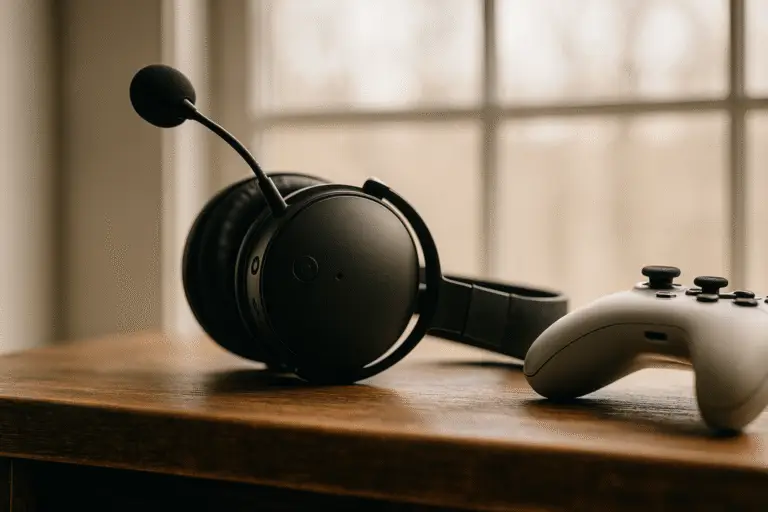
Over-ear headsets are where it’s at for serious gaming. They give you better comfort for long sessions, better noise isolation from the world around you, and better immersion in the game audio. On-ear designs can work, but they get uncomfortable fast and don’t block outside noise as well.
Driver Size and Sound Signature
Driver size matters, but it’s not everything. What really counts is the sound signature—how the headset balances bass, mids, and highs. For competitive gaming, you want headsets that emphasize mids and highs because that’s where footsteps and weapon sounds live.
Too much bass sounds cool in music, but in games, it can actually muddy the important sounds. You want clarity, not boom.
Closed Back vs Open Back
Closed-back headsets seal around your ears and block outside noise. They’re great for focus, and most competitive players use them. Open-back headsets let some sound leak in and out, which gives a more natural soundstage but less isolation.
For competitive play, closed-back usually wins because you need that focus, and you don’t want to hear your roommate or family in the background during a clutch moment.
Microphone Matters Too
Boom Mic vs Inline Mic
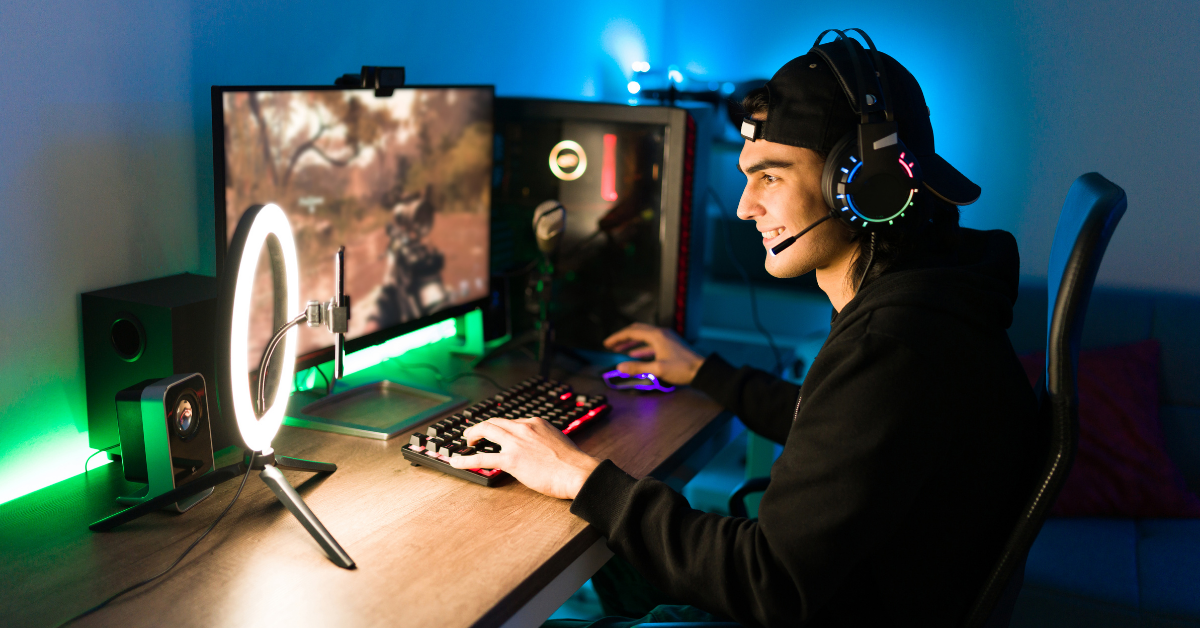
Boom mics are way better for team comms. They position closer to your mouth and pick up your voice clearer with less background noise. Inline mics that just dangle from the cable are fine for casual gaming, but if you’re calling strats in ranked, you want that boom mic.
Noise Canceling Mic Benefits
A good noise-canceling mic filters out keyboard clicks, mouse sounds, and background noise so your teammates only hear you. This is clutch for team coordination because nobody wants to hear your mechanical keyboard going off every time you strafe.
Alternatives for Serious Setups
If you’re really serious about audio quality, some people skip the headset mic entirely and use an attachable boom arm with a USB mic. Something like a Blue Yeti or Samson Q2U gives you way better voice quality. It’s overkill for most people, but streamers and competitive players who also create content often go this route.
Wired vs Wireless – Latency, Battery, and Convenience
Is Wireless Good Enough Now?
Honestly, yeah, wireless has come a long way. Modern wireless gaming headsets have latency so low you won’t notice it in games. We’re talking like 20 milliseconds or less, which is basically imperceptible.
The main tradeoff is battery life. You need to remember to charge them, and if your battery dies mid-match, you’re screwed. But the convenience of no cable is pretty sweet.
USB vs 3.5mm
USB headsets handle their own audio processing, which can give better sound quality than plugging into your motherboard’s 3.5mm jack, especially if you have a cheaper motherboard with mediocre onboard audio.
3.5mm is more universal, though. It works with basically anything—PC, console, phone, whatever. USB only works where you can plug in USB.
Trusted Wireless Headsets with Low Lag
Brands like SteelSeries, Logitech, and HyperX have wireless models that competitive players actually use. The SteelSeries Arctis Nova Pro Wireless, Logitech G Pro X Wireless, and HyperX Cloud Flight are all solid choices with minimal latency.
If you’re going wireless, make sure it’s from a gaming brand that actually tests for low latency. Random cheap wireless headsets can have noticeable lag.
Audio Enhancers – DACs, Mixers, and Surround Tools
USB DACs That Improve Onboard Audio
If you’ve got a decent wired headset but your PC audio sounds thin or has background hiss, a USB DAC can fix that. A DAC is basically an external sound card that handles audio processing better than your motherboard.
Something like a Sound Blaster G3 or Creative Sound Blaster X3 can make a huge difference, especially on budget motherboards. Not essential, but a nice upgrade if your audio setup needs help.
Optional Tools for Spatial Accuracy
EQ software lets you tweak frequencies to emphasize the sounds you care about. Some headsets come with their own software for this. Virtual surround sound can help with directional audio, but honestly, good stereo is usually better for competitive play. Your brain is already good at figuring out direction from stereo if the audio is clean.
When to Consider Upgrades
If you’re using a headset over 100 bucks and it sounds worse than it should, check your audio source first. Cheap motherboard audio can bottleneck good headsets. That’s when a DAC or external amp makes sense.
If you’re using a budget headset under 50 bucks, don’t worry about DACs yet. Just save up for a better headset first. The headset itself will make more difference than any audio enhancer.
Final Thoughts and Getting the Right Fit
Prioritize What Matters
For competitive gaming, prioritize clarity, directionality, and mic quality over flashy features or RGB lighting. You need to hear enemies clearly, know where they’re coming from, and communicate with your team. Everything else is secondary.
Test Before You Commit
Comfort is huge because you’ll be wearing this thing for hours. If you can try before you buy, do it. If not, make sure you can return it. Some headsets feel great for 30 minutes, then become torture after two hours.
Everyone has different head shapes and ear sizes, so what works for your friend might not work for you. Don’t just trust reviews—your own comfort matters most.
The Right Headset Changes Everything
Good audio genuinely makes you a better player. You’ll react faster, position smarter, and coordinate better with your team. It’s one of the best upgrades you can make to your setup.
Don’t overthink it, though. A solid mid-range headset from a trusted brand will serve you way better than obsessing over specs. Get something comfortable with good sound and a decent mic, then focus on actually playing the game.
If youre ready to pick a specific headset check out our top gaming headset picks for 2025 where we break down the best options for every budget and playstyle. your ears are your early warning system in competitive gaming. give them the tools they need and watch your gameplay improve.