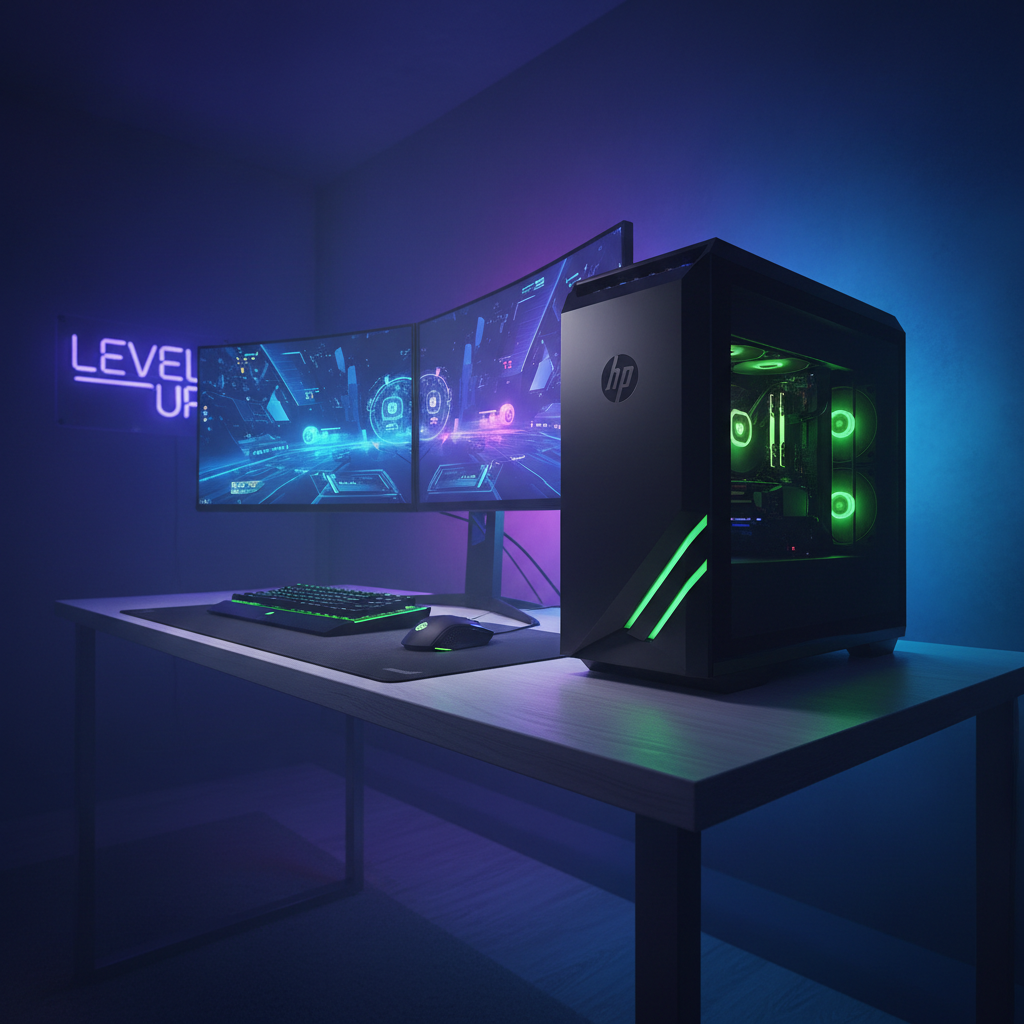
The HP Pavilion Gaming Desktop keeps showing up in “budget gaming PC” lists, and for good reason when you grab the right configuration, it’s a solid 1080p workhorse that won’t drain your wallet. But here’s the problem: the HP Pavilion Gaming Desktop TG01 tower isn’t sold as one fixed spec. You’re buying a chassis that can house anything from a barely-playable GPU to a respectable mid-tier card, and if you don’t verify the exact parts before checkout, you might end up with a system that needs immediate upgrades just to feel smooth.
I’ve seen too many people buy a “Pavilion Gaming Desktop” based on the name alone, then discover they got 8GB of RAM, a tiny SSD, and a PSU that can’t handle the GPU upgrade they planned six months later.

Buy vs Skip: does the TG01 fit your actual plan?
Here’s the simple decision tree. Buy the HP Pavilion Gaming Desktop if you want a ready-to-play 1080p system and you’re fine with modest upgrades later maybe bump the RAM to 16GB or add a bigger SSD. It’s a smart choice when you need something that works out of the box without tinkering.
Skip it if your strategy is “buy the cheapest model now, throw in a much beefier GPU later.” The TG01’s compact case and proprietary PSU setup can make future GPU upgrades tricky. If you already know you’ll want an RTX 4070-class card in a year, you’re better off starting with a more standard ATX build where PSU and clearance headaches don’t exist.
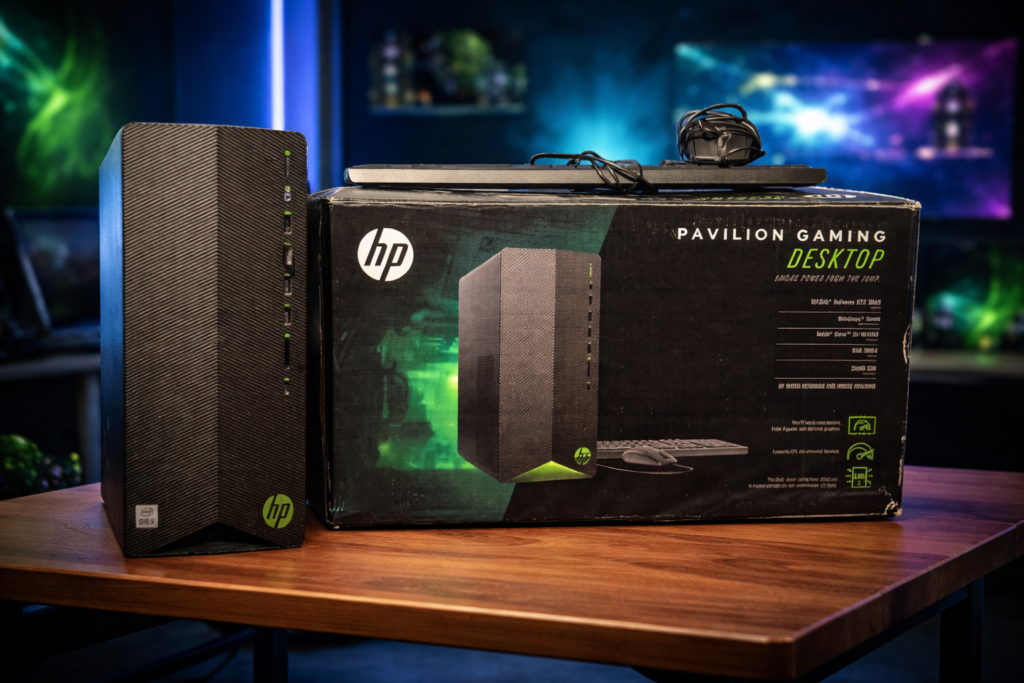
The 5 point spec checklist: what to verify before you buy
Don’t trust the retailer description. Look for the exact model number or SKU and confirm these five specs:
- GPU (the most important decision): This is your performance floor. The minimum “real gaming” target is GTX 1660 SUPER or RTX 3050 class. If you can stretch budget, RTX 3060 or RTX 4060-class cards age better at 1080p and handle newer AAA titles with fewer compromises. From my experience, shoppers who settle for weaker GPUs to save $100 often regret it within six months.
- CPU: Midrange chips like an Intel i5 or AMD Ryzen 5 are usually enough for entry-level gaming. CPU matters more if you’re chasing very high FPS in esports titles, but for most 1080p gaming, the GPU is your limiter.
- RAM: 16GB is the floor. 32GB is the comfort pick if you multitask or run Discord, browser tabs, and a stream overlay while gaming. Many Pavilion boards behave like two-slot setups, so you’ll often replace sticks rather than add more plan accordingly.
- Storage: Prefer an NVMe SSD. Tiny drives fill fast with game updates and shader cache, and a full drive slows down everything. If the listing says “SSD” without specifying NVMe, treat it as a red flag.
- PSU Wattage: many HP Pavilion Gaming Desktop TG01 variants ship with 300W to 400W power supplies. That’s fine for stock parts, but it’s the most common blocker for GPU upgrades. If the listing hides PSU details, assume it’s weak.
Trap configurations that waste your money
Some deals bundle a decent CPU with 8GB of RAM, a small SSD, or even a hard drive as the main boot drive. Technically you can game on them, but you’ll hit stutter, long load times, and immediate upgrade costs. I usually tell people: if a “gaming desktop” needs $150 in RAM and SSD fixes on day one, it wasn’t really a deal.
Also watch out for listings that pair a strong CPU with a weak GPU. Your gaming performance will still feel sluggish because the GPU is doing the heavy lifting in most games.
Performance targets: what 1080p gaming actually feels like
Esports titles like Valorant or Fortnite can hit high average FPS even on entry GPUs, but smoothness depends on 1% lows the frame dips that make aiming feel inconsistent. A decent CPU and 16GB+ RAM help keep those lows stable, which matters more than a big number at the top of the graph.
AAA games put more stress on the GPU. Expect medium to high settings depending on your card, and lean on upscaling features like DLSS or FSR if available. Ray tracing at this tier usually isn’t worth the framerate hit.
Upgrade reality check: what’s actually possible on the TG01
This platform rewards small wins more than major rebuilds. The safest upgrades are RAM to 16GB or 32GB and a larger SSD both deliver immediate quality-of-life improvements without compatibility headaches.
GPU upgrades require three checks: your PSU wattage and the right PCIe power connectors, physical fit in the compact chassis, and acceptable airflow so the system doesn’t throttle under load. Many TG01 models use proprietary PSU connectors (often a 7-pin setup instead of the standard 24-pin ATX), so a standard aftermarket PSU won’t just drop in. You’ll need to source a compatible HP unit (typically 400W or 500W max) through HP parts channels or third-party sellers.
I’ve noticed a lot of confusion around RAM speed too. Many OEM BIOS setups don’t expose XMP, so buying faster-rated RAM doesn’t guarantee it will run at that speed it’ll often downclock to JEDEC spec.
Safe upgrade order I usually recommend: RAM first, then SSD capacity, then GPU (only after fit and connector checks), and PSU last (only if the GPU demands it).
Thermals and noise: managing a compact case
Compact cases run adequate airflow, not luxurious. Keep vents clear, avoid thick carpet underneath, and clean dust every few months. If noise rises over time, it’s usually dust buildup or a hotter GPU pushing the small airflow design harder.
When the HP Pavilion gaming desktop is actually a smart buy
It’s a great buy when the GPU tier is strong for the price, it includes an NVMe SSD, and it doesn’t require immediate fixes. If the deal only works after you spend another $150 on RAM and SSD, compare it against alternatives with more standard cases and PSUs where upgrades are easier and often cheaper.
Buying used or refurb: quick checklist
Confirm the exact GPU and CPU model, RAM amount, storage type and capacity, and ask about PSU wattage if you care about future upgrades. Run a short gaming session and watch for crashes, overheating, or odd fan noise. Budget for RAM and SSD expansion as the most common add-ons.
Frequently asked questions
Is Pavilion Gaming Desktop TG01 good for gaming ?
It’s a decent entry-level machine for casual 1080p gaming solid for esports titles and older AAA games, but don’t expect to max out demanding modern releases. The main drawbacks are limited storage and a weak PSU that restricts future GPU upgrades. Great as a first gaming PC, not ideal if you’re serious about performance longevity
Can i upgrade the GPU in an HP Pavilion Gaming Desktop TG01?
Yes, but with limits. most TG01 models use a proprietary PSU with non-standard connectors, so you’re restricted to HP’s 400W or 500W PSU options. you’ll also need to verify physical clearance in the compact case and make sure the new GPU doesn’t exceed your PSU’s wattage. cards like the RTX 4060 or RX 7600 can work with a 500W HP PSU, but anything bigger usually requires a full case and PSU swap
Is 8GB of RAM enough for gaming on the Pavilion TG01?
Not really. 8GB will run lighter esports titles, but you’ll hit stutter and slowdowns in AAA games or when multitasking. 16GB is the practical minimum for smooth 1080p gaming in 2026.
What’s the best GPU for the HP Pavilion Gaming Desktop TG01?
It depends on your PSU. with the stock 300W or 400W unit, stick to lower-power cards like the GTX 1660 SUPER or RTX 3050. if you upgrade to a 500W HP PSU, you can safely run an RTX 4060 or RX 7600. anything beyond that and you’re better off building in a new case with a standard ATX PSU.
Can i use a standard ATX power supply in the TG01?
No. most TG01 models use a proprietary motherboard connector (7-pin instead of 24-pin ATX), so standard PSUs won’t physically connect. you’ll need to source a compatible HP PSU or move your components to a new case with a standard motherboard.
Does the HP Pavilion Gaming Desktop TG01 support NVMe SSDs?
Yes, most TG01 models include M.2 slots that support NVMe SSDs. verify your exact model’s specs, but upgrading to a larger NVMe drive is usually straightforward and one of the best value improvements you can make.
Why is my Pavilion TG01 so loud?
Compact cases run warm, and dust buildup makes fans spin faster. clean the vents and interior every few months. if noise persists, check GPU temps under load a hotter GPU will push the small airflow design harder.
with the right configuration, the HP Pavilion Gaming Desktop is a strong entry-level 1080p gaming PC. shop for the GPU first, treat 16GB RAM and an NVMe SSD as essentials, and plan upgrades with realistic expectations about power and space limits. if you’re willing to verify specs before you buy, this can be a solid foundation that punches above its price point.