Category Tuning & Optimization

We turn confusing game settings into simple wins on budget PCs.
Expect clear steps for Windows, drivers, and in-game options that raise 1% lows, lower input lag, and keep noise down.
We explain frametime and show exactly how to cap frames, set VRR, and balance visuals for stability.
Safe tweaks like fan curves and gentle undervolts reduce heat without risking hardware, with before/after data so you can copy results fast.

gpu

How to Safely Overclock Your GPU on Windows 11

Why Overclock Your GPU Gently overclocking your graphics card can boost your FPS and let you crank up visual settings without buying new hardware. Basically, free performance. But here’s the thing – overclocking beyond what your GPU can safely handle…

windows settings

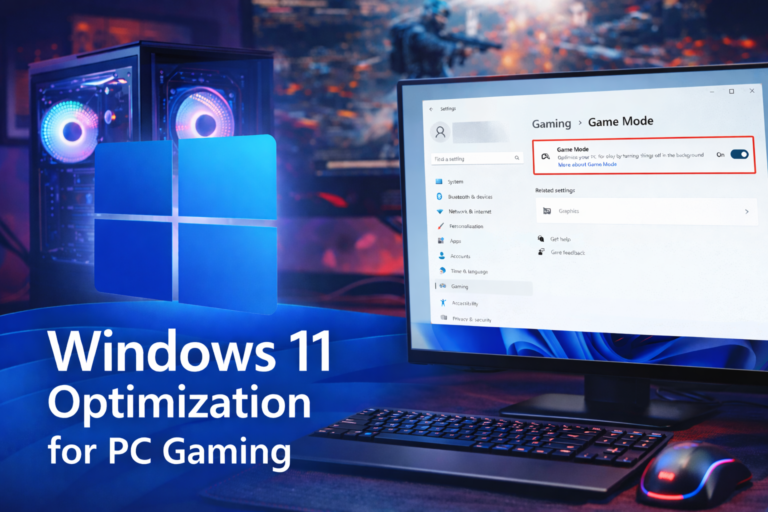
How to optimize windows 11 for maximum gaming performance

Why Windows 11 needs optimization for gaming System settings that quietly hurt performance Windows features to disable or adjust Power drivers and updates for max consistency Advanced tweaks for enthusiasts Before and After: testing your gains Wrapping it all up…

gaming Headsets

How Can I Improve My Gaming Headset Audio?

Got a gaming headset but feel like the audio could be way better? You’re not alone. Most people plug in their headset and call it good, but there’s actually a ton you can do to make your audio clearer, more…

FPS comparaison

What is FPS in Gaming and Why Should You Actually Care

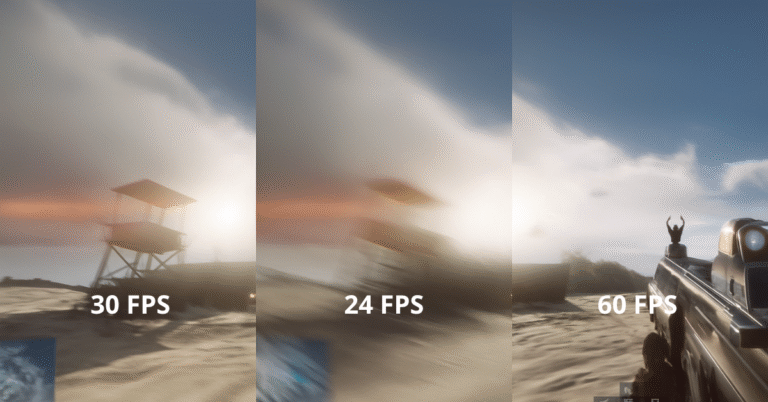
Fps isnt just a buzzword Fps stands for frames per second. its literally how many individual images your pc or console cranks out every single second while youre gaming. think of it like a flipbook – the more pages you…

windows settings

How to check your pc specs without losing your mind

So youre trying to figure out what hardware you actually have in your computer. maybe you want to see if you can run a new game or someones asking you what graphics card you have and you have no idea.…