You just dropped serious cash on a new graphics card. Maybe it’s an RTX 4060 or an RX 7600. You boot up Valorant, look at your frame counter, and see a glorious 140 FPS. But something feels off. It doesn’t actually look any smoother than before. That’s because your 60Hz office monitor is literally throwing away more than half the frames your GPU is working so hard to produce.
Upgrading to a 144hz gaming monitor isn’t just a luxury anymore. It’s the single biggest change you can make to how your games actually feel. It’s like putting race tires on a Ferrari instead of driving it on spares. The data is there, but until you have the panel to display it, you’re missing out on the experience you paid for.

The leap from 60Hz to 144Hz and why it matters
When people say the jump from 60Hz to 144Hz is noticeable, they are underselling it. It changes the fundamental feedback loop between your hand and your eye. On a standard 60Hz screen, the image updates every 16.7 milliseconds. On a 144Hz screen, that drops to roughly 6.9 milliseconds.
That might sound like math nerd stuff, but in a game like Apex Legends or Counter-Strike 2, it’s the difference between tracking an enemy smoothly or watching them teleport across your screen in tiny micro-stutters. You’re getting more visual information every second. This makes flick shots easier and recoil control feel more natural because you can actually see the gun kicking in real-time rather than a slideshow of it. Even if you aren’t a competitive sweater, simple things like panning the camera in Cyberpunk 2077 feel silky smooth rather than choppy and blurry.
Understanding panel types: IPS vs VA vs TN
Not every 144hz gaming monitor is built the same. The technology inside the screen, called the panel type, dictates how colors look and how fast the pixels can change colors.
IPS (In-Plane Switching) is generally the king right now. It offers the best color accuracy and viewing angles. If you lean back in your chair, the colors don’t shift weirdly. In the past, IPS panels were slow, but modern ones are fast enough for almost everyone.
VA (Vertical Alignment) is the contrast king. Blacks actually look black, not dark gray. This makes them great for horror games or playing in a dark room. The downside is “ghosting,” where fast-moving dark objects might leave a little trail behind them. Many budget curved monitors use VA panels.
TN (Twisted Nematic) is the old guard. They are super fast and cheap, but the colors usually look washed out. Unless you are on the tightest budget imaginable or you are a literal esports pro who needs to shave off 0.5 milliseconds, you should probably skip TN in 2026.
Top budget picks under $150
The market has shifted hard, and you can now snag a legitimate 144 hz monitor without selling a kidney. We aren’t talking about sketchy brands with one review, but solid hardware.
The AOC 24G2 is widely considered the budget GOAT. It’s a 24-inch IPS screen with great colors and a stand that actually adjusts for height (rare at this price point). It handles motion clearly and usually sits right around the $140 mark.
If you prefer something curved, the AOC C24G2 uses a VA panel. You get that deeper contrast we talked about, and the 1500R curve draws you in a bit more. It’s often slightly cheaper than the flat IPS version.
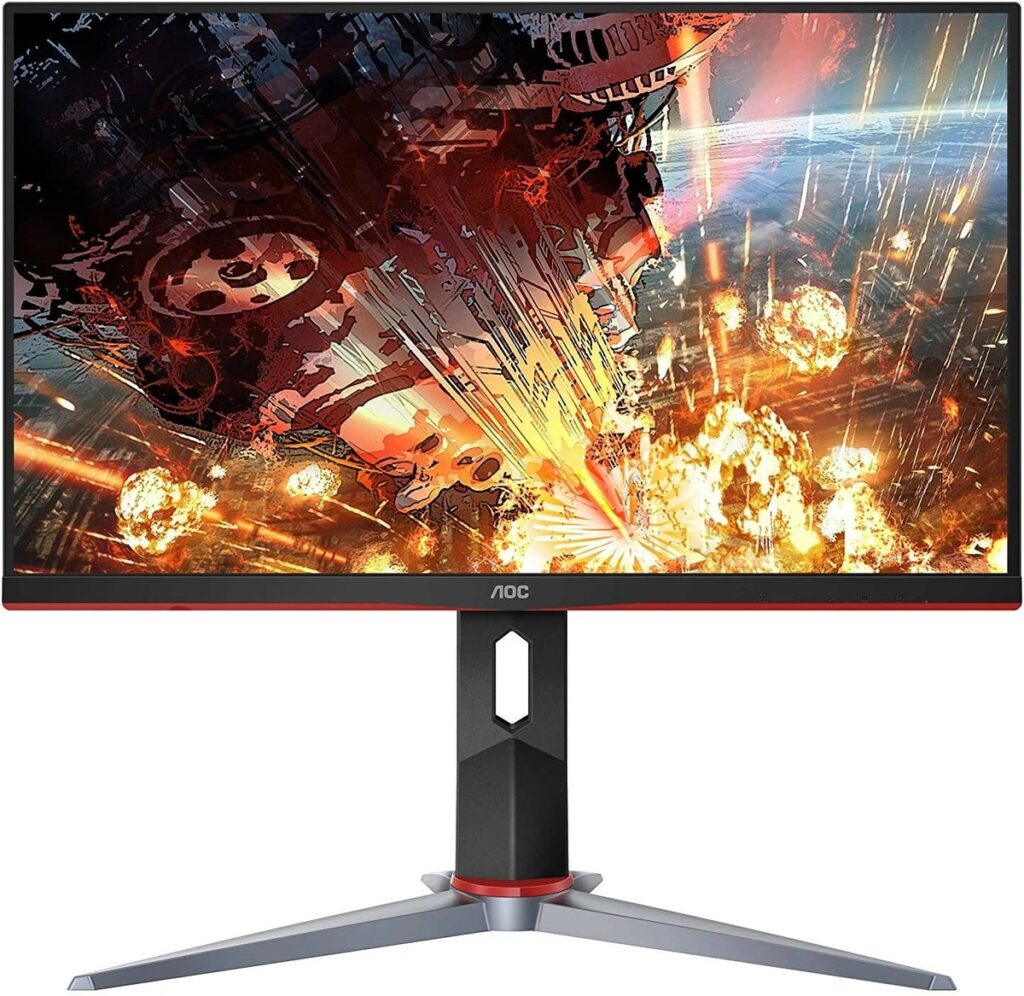
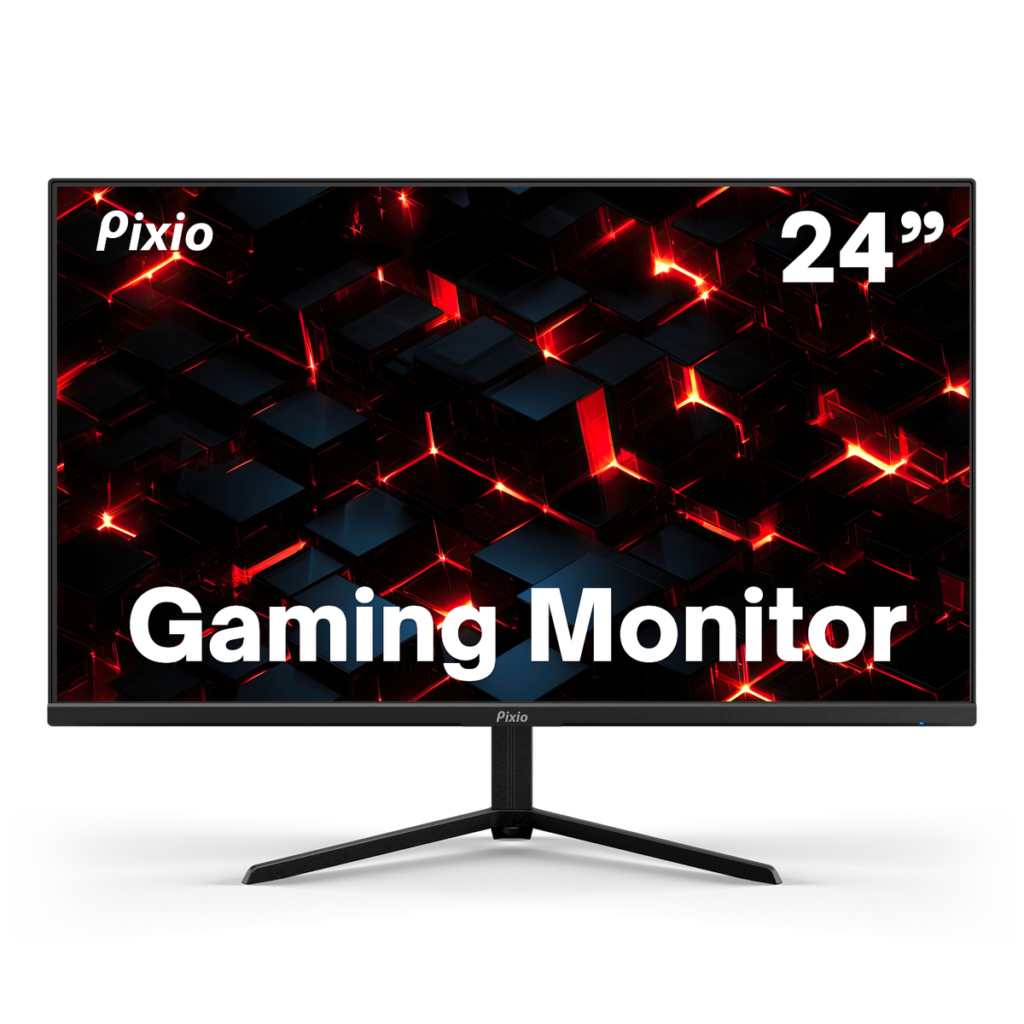
The Pixio PX248 Prime is another strong contender. It uses an IPS panel and actually clocks in at 165Hz, giving you a tiny bit more headroom if your GPU can push those frames. The build quality feels a little more plasticky than the AOC, but the screen itself looks great.
Cable requirements: don’t let a wire bottleneck you
Here is where a lot of builds go wrong. You buy the fancy screen, plug it in with the old HDMI cable you found in a drawer, and wonder why you’re stuck at 60Hz.
If you are using HDMI, you need to make sure both the cable and the monitor port support HDMI 2.0 or higher for the best experience, though HDMI 1.4 can technically do 144Hz at 1080p. However, the safer bet for PC gaming is almost always DisplayPort.
Most budget GPUs like the RX 6600 or RTX 3060 come with DisplayPort outputs. A DisplayPort cable costs about eight bucks and eliminates almost all compatibility headaches. It just works. If your monitor comes with a DP cable in the box, use it.
How to actually enable high refresh rates
This is the classic meme for a reason. Thousands of gamers buy a 144hz gaming monitor, plug it in, and play on it for years at 60Hz without realizing it. Windows does not automatically switch to the highest refresh rate.
You have to do it manually:
- Right-click your desktop and select Display settings.
- Scroll down and click Advanced display.
- Look for “Choose a refresh rate” and select 144Hz (or 165Hz if your model supports it).
While you’re at it, make sure to enable G-Sync or FreeSync. For Nvidia users, go to the Nvidia Control Panel and check “Enable G-Sync.” For AMD users, open the Adrenalin software and toggle FreeSync on. This syncs your monitor to your GPU, eliminating screen tearing without the lag of V-Sync.
After that you can test your monitor display motion at testufo.com
Connecting your monitor choice to your overall budget
When you are planning your rig, it’s easy to get tunnel vision on the CPU and GPU. But your monitor is the lens through which you see that performance. There is no point spending $400 on a graphics card if you’re going to bottleneck it with a $50 screen from a garage sale.
Balance is key. If you are trying to figure out where the monitor fits into the bigger picture, check out our guide on how much does it cost to build a gaming PC to see how to allocate your funds properly. A solid 1080p 144hz gaming monitor usually fits perfectly into a $800-$1000 total build budget.
Frequently asked questions
Is 144Hz good for professional gaming?
Yes, 144Hz is considered the baseline standard in competitive and professional gaming. Here’s why it matters:
- Smoother motion makes fast-moving objects (like opponents) easier to track.
- Lower input lag means your actions register on screen more quickly compared to 60Hz.
- Competitive edge — most esports pros play at 144Hz or higher (240Hz/360Hz), as the reduced motion blur and faster response times can make a real difference at high levels of play.
For casual gaming, 60Hz is fine, but if you’re serious about competitive play, 144Hz is a worthwhile upgrade and widely regarded as the entry point for professional-level gaming setups.
What GPU can run 144Hz?
144Hz is a monitor refresh rate, not a GPU feature, almost any modern GPU can output a 144Hz signal. The real question is whether your GPU can push enough frames per second (FPS) to actually take advantage of it. Here’s a rough breakdown:
- 1080p 144Hz — A mid-range card like an NVIDIA RTX 3060 or AMD RX 6600 handles this well in most games.
- 1440p 144Hz — You’ll want something like an RTX 3070 / RX 6700 XT or better.
- 4K 144Hz — High-end cards like an RTX 4080/4090 or RX 7900 XTX are recommended.
The key is pairing your GPU with a monitor that has a 144Hz-compatible connection (DisplayPort 1.2+ or HDMI 2.0+).
What is the actual difference between 60Hz and 144Hz?
A 60Hz monitor refreshes the image 60 times a second, while a 144 hz monitor does it 144 times. This makes motion look more than twice as smooth. You can test this just by moving your mouse cursor in circles on the desktop—at 144Hz, it looks like a continuous motion rather than a series of choppy jumps.
Can my GPU even push 144 FPS?
You don’t need to hit exactly 144 FPS to benefit from the screen. Even if your game runs at 90 or 100 FPS, a 144hz gaming monitor with FreeSync enabled will display those frames smoothly. It feels significantly better than being capped at 60. Most modern budget cards like the RX 6600 can easily hit 144+ FPS in competitive games like Valorant and League of Legends.
Do I need G-Sync or is FreeSync okay?
FreeSync is usually fine. Most “G-Sync Compatible” monitors are actually just FreeSync monitors that Nvidia has certified to work well with their cards. You don’t need to pay the “G-Sync tax” for the dedicated hardware module unless you are building an ultra-high-end rig.
The final verdict
Once you switch to high refresh rate gaming, you can’t go back. It’s one of those upgrades that feels like a genuine quality-of-life improvement every single time you move your mouse. If you are still on the fence, head to a local electronics store and just drag a window around on a demo unit. You’ll understand immediately why a 144hz gaming monitor is the standard recommendation for literally every PC gamer today.